


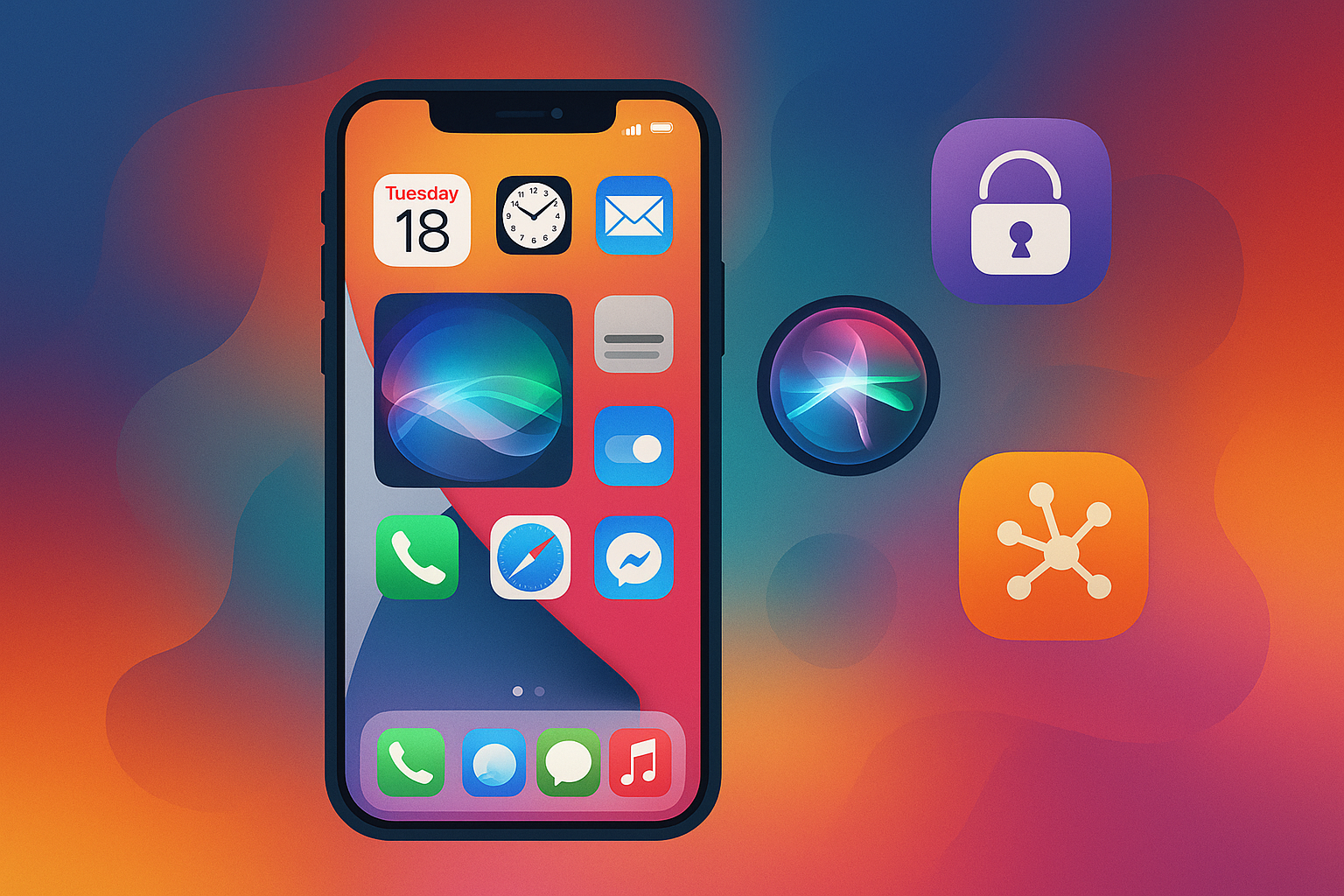
iOS 26 represents Apple’s latest mobile operating system update, continuing the company’s iterative development approach. The release incorporates new features and improvements built upon previous iOS versions, focusing on user experience enhancements and system functionality. The update includes several key areas of development: strengthened privacy controls, upgraded Siri voice assistant capabilities, and integration of emerging technologies.
These modifications address user feedback and technological advancements while maintaining compatibility with Apple’s device ecosystem. iOS 26 aims to resolve existing system limitations while introducing new tools and features. The update reflects Apple’s strategy of regular operating system improvements, typically released annually to enhance device performance and add functionality for iPhone and iPad users.
Key Takeaways
- iOS 26 introduces significant enhancements in privacy, security, and Siri functionality.
- The update offers upgraded camera capabilities and advanced photo editing tools.
- Users gain new customization options for the home screen and widgets.
- Enhanced multitasking and productivity features improve overall user experience.
- New augmented reality features and updates to Apple Maps, health tracking, and media apps expand iOS 26’s capabilities.
Enhanced Privacy and Security Features
One of the standout aspects of iOS 26 is its commitment to enhancing privacy and security. In an age where data breaches and privacy concerns are at the forefront of public discourse, Apple has taken significant strides to ensure that your personal information remains protected. The introduction of advanced encryption methods and more granular control over app permissions empowers you to manage your data with confidence.
You can now decide which apps have access to your location, contacts, and other sensitive information, giving you greater control over your digital footprint. Moreover, iOS 26 introduces a new feature that alerts you whenever an app accesses your clipboard. This transparency allows you to be aware of what information is being shared and with whom.
Additionally, the operating system includes enhanced tracking prevention measures that limit advertisers’ ability to follow your online activity across different platforms. With these robust privacy features, you can feel secure knowing that your data is safeguarded against unauthorized access and misuse.
Improved Siri Functionality

Siri has long been a hallmark of the Apple experience, and with iOS 26, its functionality has received a significant upgrade. The virtual assistant is now more intuitive and capable of understanding context better than ever before. This means that when you ask Siri a question or give a command, it can provide more relevant responses based on your previous interactions and preferences.
This contextual awareness makes your experience with Siri feel more natural and fluid. In addition to improved contextual understanding, Siri’s integration with third-party apps has also been enhanced. You can now use Siri to control a wider range of applications, from managing your smart home devices to ordering food from your favorite restaurant.
The voice recognition technology has been refined, allowing for more accurate responses even in noisy environments. As you interact with Siri in iOS 26, you’ll find that it becomes an even more indispensable tool in your daily life.
Upgraded Camera and Photo Editing Tools
The camera capabilities in iOS 26 have received a remarkable upgrade, making it easier for you to capture stunning photos and videos. With improved low-light performance and enhanced image stabilization, your shots will look sharper and more vibrant, regardless of the lighting conditions. The new computational photography features allow for advanced editing options directly within the Photos app, enabling you to fine-tune your images with ease.
In addition to these enhancements, iOS 26 introduces new photo editing tools that cater to both casual users and photography enthusiasts. You can now apply filters, adjust lighting, and even remove unwanted objects from your photos with just a few taps. The intuitive interface makes it simple for you to unleash your creativity without needing extensive editing skills.
Whether you’re capturing memories with friends or documenting your travels, the upgraded camera features in iOS 26 will elevate your photography game.
New Customization Options for Home Screen and Widgets
| Version Number | iOS 26 | Next major release of Apple’s iOS operating system |
| Release Date | Expected 2024 | Projected launch timeframe based on Apple’s annual cycle |
| Supported Devices | iPhone 14 and later | Devices compatible with iOS 26 |
| New Features | Enhanced AI integration, Improved privacy controls | Key highlights announced for iOS 26 |
| Security Updates | Multiple patches | Includes fixes for vulnerabilities found in previous versions |
| App Store Changes | New developer tools | Improvements to app submission and review process |
Customization has always been a key aspect of the Apple experience, and iOS 26 takes this to the next level with new options for personalizing your home screen and widgets.
You can now choose from a wider variety of widget sizes and styles, allowing you to create a layout that reflects your unique preferences.
This flexibility means that you can prioritize the information that matters most to you while maintaining an aesthetically pleasing home screen.
Additionally, iOS 26 introduces new themes and color palettes that allow you to further tailor the look of your device. You can easily switch between light and dark modes or choose from a selection of vibrant colors that suit your mood or environment. This level of customization not only enhances your user experience but also makes your device feel more like an extension of yourself.
As you explore these new options, you’ll find that personalizing your home screen has never been easier or more enjoyable.
Enhanced Multitasking and Productivity Features
In today’s fast-paced world, multitasking is essential for maximizing productivity, and iOS 26 rises to the occasion with enhanced features designed to streamline your workflow. The updated multitasking interface allows you to switch between apps seamlessly, making it easier for you to juggle multiple tasks without losing focus. You can now use Split View more effectively, enabling you to view two apps side by side for improved efficiency.
Furthermore, iOS 26 introduces new productivity tools that help you stay organized and on top of your tasks. The redesigned Notes app includes features like checklists and collaborative editing, allowing you to work with others in real-time. Additionally, the Reminders app has been revamped with smarter suggestions and location-based reminders that ensure you never miss an important task again.
With these enhancements, iOS 26 empowers you to work smarter, not harder.
Introduction of Augmented Reality (AR) Features
Augmented reality has become a buzzword in the tech industry, and iOS 26 embraces this trend by introducing exciting new AR features that enhance your interaction with the digital world. With improved ARKit capabilities, developers can create more immersive experiences that blend seamlessly with your real-world environment. Whether you’re playing games or exploring educational content, the possibilities for AR applications are virtually limitless.
As a user, you’ll benefit from these advancements as well. For instance, you can use AR features in shopping apps to visualize how furniture would look in your home before making a purchase. Additionally, educational apps can provide interactive learning experiences that make complex subjects more engaging.
With iOS 26’s focus on augmented reality, you’ll find yourself exploring new dimensions of interaction that enrich both entertainment and education.
Changes to Apple Maps and Navigation
Apple Maps has undergone significant improvements in iOS 26, making it a more reliable navigation tool for your daily travels. The updated interface offers enhanced map details, including better representations of landmarks and points of interest. You can now easily find nearby restaurants, shops, and attractions with just a few taps on your screen.
Moreover, iOS 26 introduces new navigation features that enhance your driving experience. Real-time traffic updates provide you with accurate information about road conditions, helping you avoid delays on your journey. The addition of lane guidance ensures that you stay on track while navigating complex intersections.
With these enhancements, Apple Maps becomes not just a tool for getting from point A to point B but a comprehensive navigation assistant that supports you every step of the way.
Upgraded Health and Fitness Tracking Tools
Health and fitness tracking have become integral parts of many people’s lives, and iOS 26 takes this commitment seriously by introducing upgraded tools designed to help you monitor your well-being more effectively. The Health app now offers deeper insights into your fitness data, allowing you to track everything from workouts to sleep patterns with greater accuracy. Additionally, new features such as guided breathing exercises and mindfulness reminders encourage you to prioritize mental health alongside physical fitness.
The integration of third-party health apps has also been improved, enabling you to consolidate all your health data in one place for easier analysis. With these upgrades in health tracking tools, iOS 26 empowers you to take charge of your wellness journey like never before.
Introduction of New Apple Music and Podcast Features
Music and podcasts are essential forms of entertainment for many users, and iOS 26 introduces exciting new features for Apple Music and Podcasts that enhance your listening experience. The revamped Apple Music interface offers personalized playlists based on your listening habits, making it easier for you to discover new artists and genres that resonate with you. In addition to music enhancements, the Podcasts app has received significant updates as well.
You can now create custom playlists of your favorite episodes or explore curated collections based on themes or interests. The improved search functionality allows you to find specific content quickly, ensuring that you’ll never miss out on the latest episodes from your favorite creators. With these new features in iOS 26, both music lovers and podcast enthusiasts will find their listening experiences enriched.
Conclusion and Overall Impact of iOS 26
As we reflect on the myriad enhancements introduced in iOS 26, it’s clear that this update represents a significant leap forward in Apple’s commitment to providing users with an exceptional mobile experience. From enhanced privacy features that safeguard your data to improved productivity tools that streamline your daily tasks, every aspect of this operating system is designed with you in mind. The introduction of augmented reality capabilities further illustrates Apple’s dedication to innovation while enhancing how you interact with both digital content and the real world around you.
As you explore the upgraded camera tools or customize your home screen like never before, you’ll find that iOS 26 not only meets but exceeds expectations in delivering a cohesive and engaging user experience. In conclusion, iOS 26 stands as a testament to Apple’s relentless pursuit of excellence in technology. By prioritizing user needs through thoughtful design and innovative features, this operating system sets a new standard for what mobile experiences can be.
As you embrace these changes in iOS 26, you’ll undoubtedly discover new ways to connect with technology while enhancing both productivity and enjoyment in your daily life.
In the context of iOS 26, it’s interesting to consider how advancements in technology can enhance user experience and security. A related article that delves into optimizing workflows and customer journeys is titled “The Frictionless Enterprise: 5 Steps to Optimizing Your Customer Journey Workflow.” You can read it [here](https://www.wasifahmad.com/the-frictionless-enterprise-5-steps-to-optimizing-your-customer-journey-workflow/). This article provides valuable insights that could complement the features introduced in iOS 26, particularly in terms of improving user interactions and streamlining processes.
FAQs
What is iOS 26?
iOS 26 is the latest version of Apple’s mobile operating system designed for iPhone and iPod Touch devices. It includes new features, improvements, and security updates to enhance user experience.
When was iOS 26 released?
Apple typically announces new iOS versions at their annual Worldwide Developers Conference (WWDC) in June, with public releases following in the fall. The exact release date for iOS 26 depends on Apple’s official schedule.
Which devices are compatible with iOS 26?
iOS 26 supports a range of iPhone models, generally including recent devices and some older models. Compatibility details are provided by Apple upon release and can be found on their official website.
What are the key new features in iOS 26?
iOS 26 introduces various enhancements such as improved privacy controls, updated user interface elements, new app functionalities, and performance optimizations. Specific features are detailed in Apple’s release notes.
How can I update my device to iOS 26?
To update to iOS 26, go to Settings > General > Software Update on your compatible iPhone or iPod Touch. Ensure your device is connected to Wi-Fi and has sufficient battery life before starting the update.
Is iOS 26 free to download?
Yes, iOS updates, including iOS 26, are free for all compatible Apple devices.
Can I downgrade from iOS 26 to an earlier version?
Apple generally stops signing older iOS versions shortly after a new release, making downgrades difficult or impossible. It is recommended to back up your device before updating.
Does iOS 26 improve device security?
Yes, iOS 26 includes security patches and enhancements to protect users from vulnerabilities and improve overall device security.
Are there any known issues with iOS 26?
As with any major software update, some users may experience bugs or compatibility issues. Apple typically releases subsequent updates to address these problems.
Where can I find more information about iOS 26?
Official information about iOS 26 can be found on Apple’s website, in the iOS section, or through Apple’s support channels and developer documentation.
