


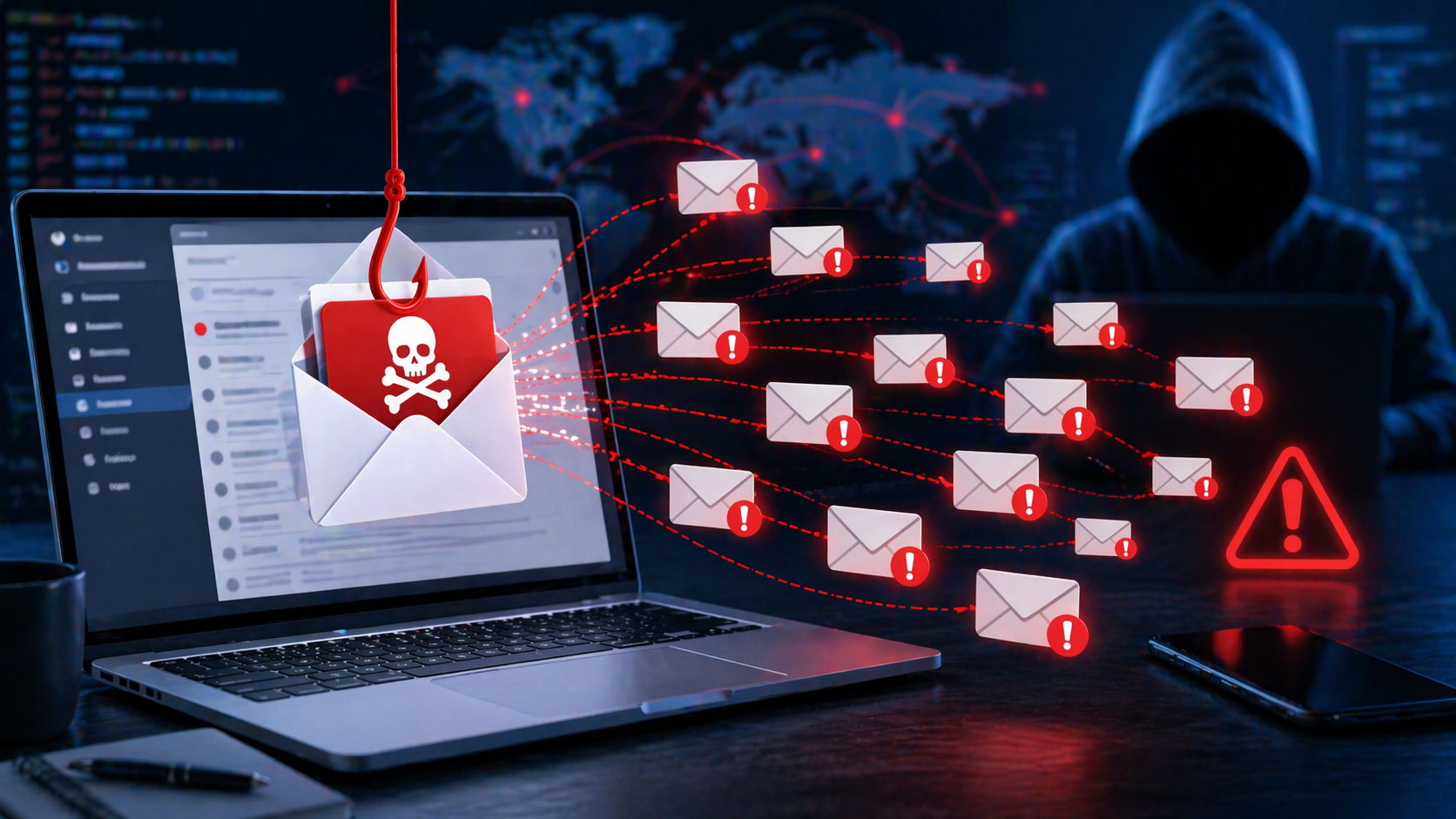
You receive emails every day. Most are mundane: newsletters you signed up for, updates from services you use, communication from friends and family. But amongst these, a more sinister type lurks: phishing emails. These deceptive messages aim to trick you into revealing sensitive information, like passwords, credit card numbers, or personal identification. Recognizing and avoiding them is paramount for your digital security. This guide will equip you with the knowledge to become a vigilant guardian of your inbox.
Phishing emails are not random acts of cyber mischief. They are carefully crafted tools designed to exploit your trust, your urgency, or your fear. Understanding their underlying motivations provides a crucial first step in identifying them. Phishers want to achieve one or more of the following:
Financial Gain
This is the most common and direct objective. Phishers aim to steal your money or access your financial accounts.
Unauthorized Transactions
You might receive an email claiming to be from your bank, credit card company, or a popular online retailer. It could state that your account has been compromised, a suspicious transaction has occurred, or that a payment has failed. The goal is to prompt you to click a link and “verify” your details, thereby handing over your login credentials. Once they have these, they can log in to your accounts and initiate fraudulent transactions.
Ransomware Demands
Another tactic involves a phishing email that claims your computer is infected with a virus or has been used for illegal activities. It may demand payment to unlock your files or to prevent legal action. This is often a scare tactic designed to pressure you into immediate action without critical thinking.
Gift Card Scams
Phishers might impersonate a CEO or a senior executive within your company, requesting an urgent purchase of gift cards for a “client appreciation” or “holiday bonus.” They instruct you to buy them and then send over the gift card codes, essentially stealing company funds. These scams rely on the recipient’s fear of not complying with a perceived superior.
Identity Theft
Beyond immediate financial loss, phishers seek to steal your personal identity for their own nefarious purposes.
Personal Information Exploitation
They might impersonate government agencies (like tax authorities) or social media platforms, claiming there’s an issue with your account or a penalty you owe. The email will prompt you to click a link to provide information that could include your Social Security number, date of birth, or address, which can then be used to open fraudulent accounts, take out loans in your name, or engage in other forms of identity fraud.
Account Takeover
Phishers aim to gain access to your various online accounts. This could be for social media, email, or even gaming platforms. Once they have control, they can send messages to your contacts, spread misinformation, or engage in further scams using your trusted identity. They might also use these accounts as a springboard to access other linked accounts that share the same or similar passwords.
Malware Distribution
Phishing emails are also frequently used as a vector to deliver malicious software to your devices.
Trojan Horse Attacks
You might receive an email with an attachment that appears to be an invoice, a resume, or a related document. When you open the attachment, it installs malware on your computer. This malware could be a keylogger that records your keystrokes, spyware that monitors your activity, or ransomware that encrypts your files and demands a ransom.
Spyware and Adware Installation
Some phishing attempts are designed to install less destructive, but still intrusive, software. Spyware can collect information about your browsing habits and personal details, while adware bombards you with unwanted advertisements. These can degrade your user experience and, in some cases, provide further avenues for data harvesting.
To enhance your understanding of online security, it’s crucial to learn how to spot phishing emails effectively. A related article that delves into the importance of cybersecurity in the digital age is available at this link: Sustainable Tech Innovations Powering a Greener Digital Age. This article not only discusses innovative technologies but also emphasizes the significance of safeguarding personal information in an increasingly interconnected world.
Identifying Common Phishing Tactics
Phishing emails often employ a predictable set of tactics designed to bypass your common sense. Recognizing these patterns is key to fortifying your defenses.
Urgency and Fear-Mongering
A hallmark of phishing is the attempt to create a sense of immediate danger or loss.
“Account Suspended” Notifications
Emails claiming your account will be locked or suspended if you don’t act immediately are a classic. This urgency aims to make you bypass usual verification steps. The threat of losing access to essential services is a powerful motivator.
“Immediate Action Required”
You might see phrases like “urgent,” “immediate action required,” or “your account has been compromised.” These are designed to trigger a panic response, making you less likely to scrutinize the email. The goal is to push you towards clicking a link or downloading an attachment without thinking.
Threats of Legal Action or Fines
Phishers may impersonate government agencies or law enforcement, stating you owe fines or are facing legal repercussions. This fear of serious consequences can override your judgment. They hope you’ll pay to avoid perceived legal trouble.
Deceptive “From” Addresses and Sender Information
While not always obvious, the sender’s information is often a significant giveaway.
Spoofed Email Addresses
Phishers will often make the “From” address look very similar to a legitimate one. For example, they might use “[email protected]” instead of “[email protected].” Subtle misspellings, extra hyphens, or different domain extensions are common. You need to look beyond the display name.
Mismatched Display Name and Email Address
The display name of the sender might seem legitimate, like “Microsoft Support.” However, if you hover over the sender’s name (without clicking!), you’ll see the actual email address, which is likely nonsensical or from an unusual domain. This disconnect is a major red flag.
Impersonating Known Brands and Institutions
Phishers are adept at mimicking the branding of reputable companies like Google, Apple, Amazon, your bank, or even your employer. They will use similar logos, fonts, and even the tone of communication. This familiarity breeds a false sense of security.
Unsolicited Requests for Personal Information
Legitimate organizations rarely ask for sensitive data via email.
“Verify Your Account Details”
You’ll often see prompts asking you to “verify” your login credentials, credit card number, or Social Security number. Reputable businesses will almost never request this information through an email link. They will typically direct you to log in directly to their website through a secure portal.
Requests for Passwords or PINs
No legitimate financial institution or online service will ever ask you to provide your password or PIN via email. This is a fundamental security principle. Any email requesting this is almost certainly a phishing attempt.
Personal Identifiable Information (PII) Demands
Be wary of emails asking for your mother’s maiden name, your pet’s name, or other security questions. These are often used for account recovery, and phishers want to gain this information to bypass security measures.
Scrutinizing Email Content for Red Flags
Beyond the sender, the actual content of a phishing email is rife with clues. A careful reading and a healthy dose of skepticism are your best allies.
Poor Grammar and Spelling
While not foolproof, this is a persistent indicator.
Typos and Grammatical Errors
Many phishing emails are drafted by individuals for whom English is a second language, or by automated systems that can produce errors. Frequent typos, awkward phrasing, and grammatical mistakes are common. Legitimate organizations typically have professional communication standards.
Inconsistent Tone or Style
The language might shift between formal and informal, or the tone might seem out of character for the supposed sender. This can indicate a poorly constructed or hastily assembled deceptive message.
Suspicious Links and Attachments
These are the primary vectors for malware and credential theft.
Generic Greetings
Instead of addressing you by name, phishing emails often use generic greetings like “Dear Customer,” “Dear User,” or “Valued Member.” Legitimate communications from companies that know you will typically personalize your salutation.
Unrealistic Offers and Prizes
Emails promising you’ve won a lottery you never entered, or offering incredibly lucrative deals that seem too good to be true, are almost always scams. These are designed to lure you in with the promise of easy gain.
Unsolicited Attachments
Be extremely cautious of any unexpected attachments, even if they seem relevant. They could be disguised malware. If you weren’t expecting a document, don’t open it.
Calls to Action That Bypass Normal Procedures
Phishing emails will try to get you to act outside of your typical, secure routines.
“Click Here to Login” or “Update Your Information”
These calls to action are designed to lead you directly to a fake login page. Instead of clicking, you should manually navigate to the company’s official website in your browser and log in from there.
“Download This Software”
If a communication requests you download software, always be incredibly skeptical. Ensure it’s from a trusted source and that you initiated the need for it. Phishers use this to install malicious programs.
“Reply With Your Details”
Never reply to an email with sensitive personal or financial information. Legitimate organizations will have secure methods for data collection.
Protecting Yourself: Best Practices for Inbox Security
Developing good habits is your first line of defense against phishing attempts. These practices will significantly reduce your risk.
Be Skeptical of Unsolicited Communications
Adopt an inherent distrust of emails that arrive unexpectedly.
Question the Source
Even if an email appears to be from a familiar company, pause and question its legitimacy. Consider when you last interacted with that company and if an email from them would be expected.
Verify Information Independently
If an email claims there’s an issue with an account or a payment, do not click any links. Instead, open a new browser window, go to the official website of the company directly (by typing the URL yourself), and log in to check your account status there.
Never Blindly Trust Display Names
As mentioned, always check the actual email address. A display name can be easily faked.
Secure Your Accounts Effectively
Strong security measures on your end make phishing attempts less impactful.
Utilize Strong, Unique Passwords
Never reuse passwords across different accounts. Employ a password manager to generate and store complex, unique passwords for each service you use.
Enable Two-Factor Authentication (2FA)
Whenever an option, enable 2FA on all your important accounts. This adds an extra layer of security, typically requiring a code from your phone in addition to your password. This makes it much harder for phishers to gain access even if they steal your password.
Regularly Review Account Activity
Periodically check your bank statements, credit card bills, and other online account activity for any suspicious transactions. Report anything unusual immediately.
Educate Yourself and Stay Informed
The threat landscape is constantly evolving, so continuous learning is crucial.
Stay Updated on Common Scams
Be aware of the latest phishing tactics and trends. Many cybersecurity blogs and news outlets provide information on emerging threats.
Share Information With Others
Educate your friends, family, and colleagues about phishing. The more people who are aware, the safer your online community will be.
Utilize Antivirus and Antimalware Software
Ensure you have reputable antivirus and antimalware software installed on all your devices and that it is kept up to date. This software can help detect and block malicious threats.
Phishing emails can be quite deceptive, making it essential to know how to identify them effectively. One helpful resource that dives deeper into understanding online security is an article that discusses various engagement metrics that can enhance your email strategy. By focusing on these metrics, you can better discern legitimate communications from potential threats. To learn more about this topic, you can check out the article here: engagement metrics.
What to Do If You Suspect or Fall Victim to a Phishing Attack
| Signs of Phishing Emails | Explanation |
|---|---|
| Unusual Sender Address | Emails from unknown or suspicious addresses |
| Urgent or Threatening Language | Messages that create a sense of urgency or fear |
| Spelling and Grammar Errors | Phishing emails often contain mistakes |
| Request for Personal Information | Asking for sensitive data like passwords or SSN |
| Unsolicited Attachments or Links | Emails with unexpected attachments or links |
Even with the best precautions, mistakes can happen. Knowing how to react swiftly is vital.
Upon Suspecting a Phishing Email
Immediate action can prevent further harm.
Do Not Click Any Links or Open Attachments
This is the most crucial step. If you suspect an email is phishing, do not interact with its contents.
Report the Email
Most email providers offer a “Report Spam” or “Report Phishing” option. Use this function to help train spam filters and alert the provider. You can also forward suspicious emails to the company or organization being impersonated. They often have dedicated channels for reporting such abuse.
Delete the Email
Once reported, delete the suspicious email from your inbox and trash folder.
If You Have Clicked a Link or Provided Information
Act quickly to mitigate damage.
Change Your Passwords Immediately
If you clicked on a link and entered your login credentials, change your password for that account immediately. Also, change passwords for any other accounts that use the same or similar passwords.
Monitor Your Accounts Closely
If you provided financial information, monitor your bank and credit card statements for any unauthorized transactions. Contact your financial institutions to report potential fraud.
Report Identity Theft
If you believe your personal information has been compromised, consider filing a report with the relevant authorities. This might include your local police department, consumer protection agencies, or a national identity theft reporting center.
Scan Your Devices for Malware
If you downloaded an attachment or suspect malware infection, run a full scan with your antivirus and antimalware software. Consider using a reputable online scanner as well.
By understanding the motives behind phishing, recognizing common tactics, and adopting proactive security measures, you significantly strengthen your defenses against these pervasive online threats. Your vigilance is your greatest asset in navigating the digital world safely.
FAQs
What is a phishing email?
A phishing email is a type of cyber attack where the attacker impersonates a legitimate entity to trick the recipient into revealing sensitive information, such as passwords, credit card numbers, or personal information.
How can I spot a phishing email?
You can spot a phishing email by checking for suspicious sender email addresses, generic greetings, urgent requests for personal information, and misspelled or unfamiliar links. Additionally, be cautious of emails with attachments or links that you were not expecting.
What should I do if I receive a phishing email?
If you receive a phishing email, do not click on any links or download any attachments. Instead, report the email as phishing to your email provider and delete it from your inbox. It’s also important to educate others about the potential threat of phishing emails.
How can I protect myself from phishing emails?
To protect yourself from phishing emails, use spam filters, enable multi-factor authentication, keep your software and antivirus programs up to date, and be cautious of sharing personal information online. Additionally, consider using a virtual private network (VPN) for added security.
What are some common red flags of phishing emails?
Common red flags of phishing emails include misspelled words, urgent requests for personal information, generic greetings, suspicious sender email addresses, and unfamiliar links or attachments. Additionally, be cautious of emails that create a sense of urgency or fear to prompt immediate action.
