


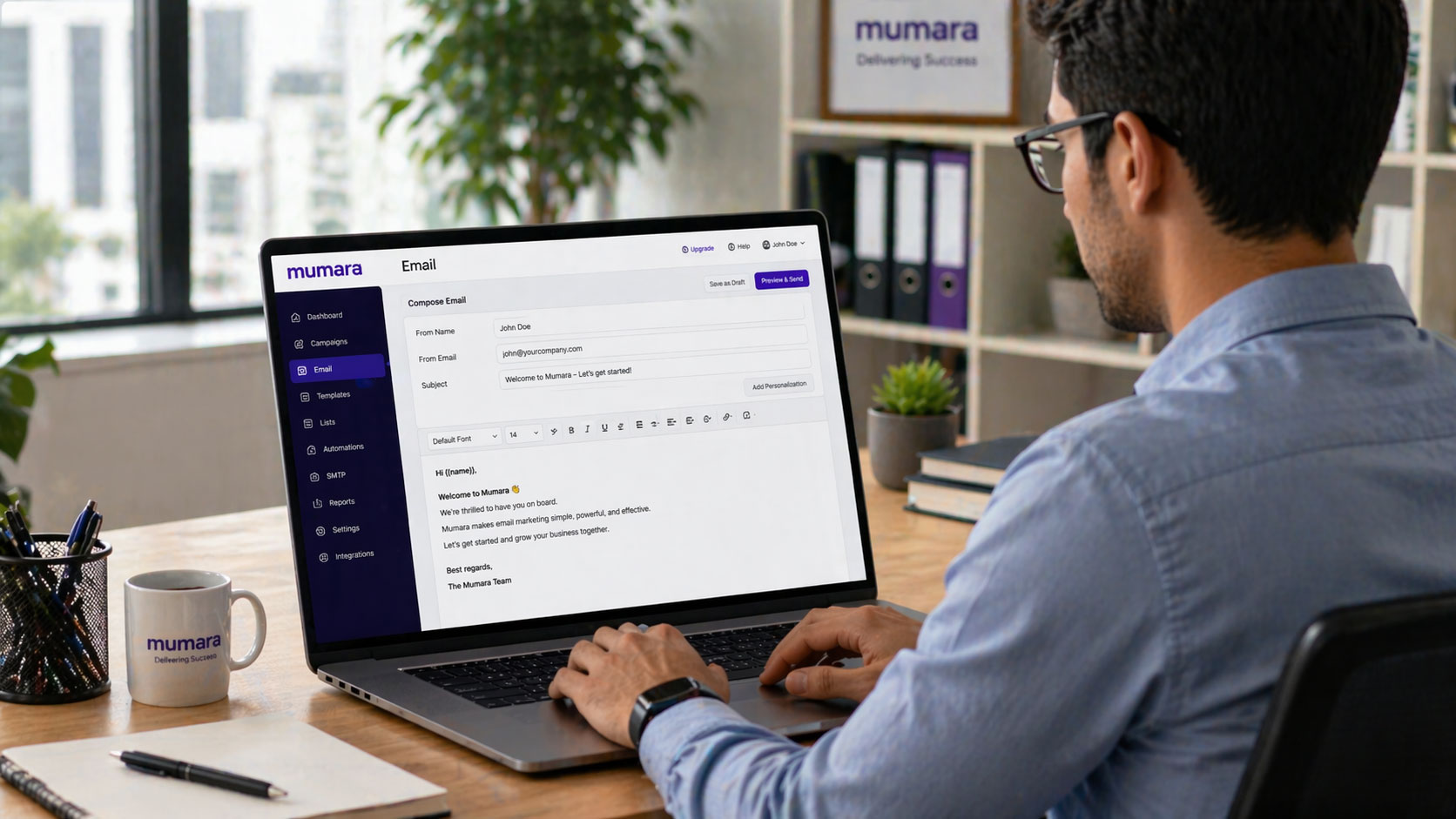
You’re sending an email. It’s a simple act, yet the impression it leaves can be profound. In the professional world, your emails are often your primary point of contact, your digital handshake, your written representation. A well-crafted email can open doors, foster collaboration, and build trust. Conversely, a poorly written one can breed confusion, create frustration, and even damage your reputation. Mastering professional email writing isn’t about being overly formal or using obscure jargon; it’s about clarity, conciseness, and conveying respect for your recipient’s time and attention. This guide will walk you through the essential elements, helping you elevate your email communication from mundane to masterful.
Before you even lift a finger to type, pause and consider the bedrock of your message: your purpose and your audience. This foundational step dictates every subsequent decision you make, from your subject line to your closing. Skipping this initial contemplation is a common pitfall, leading to emails that are unfocused, irrelevant, or even offensive.
Defining Your Objective
What is the single, most important thing you want the recipient to do, know, or understand after reading your email? This isn’t the time for a rambling narrative. Identify your core objective. Are you seeking a decision? Requesting information? Providing an update? Introducing a new idea? The clearer your objective, the more effectively you can structure your message to achieve it. Ambiguity in purpose translates directly to ambiguity in the reader’s comprehension. Think of the email as a tool with a specific function; its design should be optimized for that function.
Identifying Your Recipient(s)
Who are you writing to? Their role, their level of familiarity with the topic, and their relationship with you all influence the tone, formality, and content of your email. A senior executive requires a different approach than a colleague in your department or an external vendor.
Considering Hierarchical Differences
Imagine you’re emailing your manager versus someone reporting to you. Your manager likely values brevity and directness. They have a vast amount of information to process, and your email needs to respect that. When writing to someone in a lower hierarchical position, you might have more latitude for detailed explanations, but always maintain a respectful and encouraging tone. Avoid condescension.
Assessing Their Existing Knowledge
Do they already understand the context of your email? If you’re referring to a project that’s been ongoing for months, you can assume a certain level of background knowledge. If you’re introducing a new concept or initiating a conversation on an unfamiliar topic, you’ll need to provide more introductory information and context. Assume too little, and you risk appearing patronizing. Assume too much, and you risk alienating or confusing your reader. Carefully gauge their existing comprehension.
Understanding Their Communication Preferences
Have you observed how others communicate with this individual or group? Some prefer very concise bullet points, while others appreciate more detailed prose. While you can’t always cater to everyone’s perfect preference, an awareness of common styles within your workplace or industry can guide your approach. For instance, a highly technical audience might appreciate specific data and technical terms, whereas a broader audience may require simpler explanations.
When crafting a professional email, understanding the importance of engagement metrics can significantly enhance your communication strategy. For insights on how to effectively measure and improve your email engagement, you might find the article on engagement metrics particularly useful. It discusses key factors that influence open rates and overall effectiveness in email communication. To read more about this topic, visit the article here: Engagement Metrics That Actually Matter.
Crafting a Compelling Subject Line
The subject line is your email’s first impression. It’s the gatekeeper, determining whether your message is opened, ignored, or flagged for later. A strong subject line is clear, concise, and informative, giving the recipient an immediate understanding of the email’s content and urgency.
The Importance of Clarity and Specificity
Generic subject lines like “Question” or “Update” are less effective than specific ones. Think about what the recipient needs to know at a glance. Instead of “Meeting,” try “Meeting Agenda: Q3 Project Review – August 15th.” This provides context, topic, and a date, allowing the recipient to prioritize accordingly.
Using Keywords Effectively
Incorporate relevant keywords that will help the recipient quickly scan and categorize their inbox. If your email pertains to a specific project, include the project name. If it’s a request, mention the nature of the request.
Indicating Urgency (When Appropriate)
If your email requires a prompt response, you can indicate this. However, use urgency indicators judiciously. Overuse can lead to your urgent messages being treated as routine. Phrases like “Urgent: Action Required by EOD” or “FYI: Important Update – Please Review” can be effective when genuinely applicable. Be honest about the urgency.
Avoiding Common Subject Line Pitfalls
There are certain subject line habits that can hinder your email’s effectiveness. Be mindful of these.
The “Re:” Overload
Constantly replying with just “Re:” can bury the original context, making it difficult to follow the thread. When starting a new topic within an existing thread or when a significant shift in focus occurs, it’s often better to update the subject line to reflect the new content.
Vague or Misleading Information
Never make the subject line about something your email doesn’t actually deliver on. This erodes trust. If your subject line is “Important Proposal,” then the email must indeed contain a proposal.
Excessive Punctuation or Emojis
While emojis might be acceptable in some informal internal communications, they are generally unprofessional in external emails or when communicating with superiors. Excessive punctuation, like multiple exclamation points, can appear unprofessional and even desperate.
Structuring Your Email for Readability
A well-structured email respects the reader’s time and cognitive load. It’s easy to scan, digest, and act upon. This involves logical flow, appropriate formatting, and a clear call to action.
The Opening: A Professional Greeting
Your greeting sets the tone. Choose a salutation that is appropriate for your relationship with the recipient and the professional context.
Formal Salutations
For most professional emails, especially to individuals you don’t know well or to those in senior positions, formal greetings are best. “Dear Mr./Ms./Dr. [Last Name]” is standard. If you are unsure of a person’s gender or preferred title, “Dear [Full Name]” is a safe and respectful option.
Semi-Formal Salutations
For colleagues you know reasonably well, or in less formal workplaces, “Hello [First Name]” or “Hi [First Name]” are often acceptable. Be mindful of your company culture and individual relationships.
Avoiding Overly Casual Greetings
“Hey,” “Yo,” or simply their name without a greeting are generally too informal for professional correspondence.
The Body: Conciseness and Clarity
This is the core of your message. Aim for directness without being abrupt.
Using Paragraphs Effectively
Break up your text into short, digestible paragraphs. Each paragraph should ideally focus on a single idea or point. This improves readability and prevents your email from appearing as a dense wall of text.
Employing Bullet Points and Numbered Lists
When you have a series of questions, requests, or steps, use bullet points or numbered lists. This makes information scannable and easy to follow, ensuring that no critical items are overlooked. For example, instead of writing a paragraph detailing three distinct action items, present them as:
- Item 1
- Item 2
- Item 3
The Power of Active Voice
Active voice generally makes your writing more direct and engaging. Compare “The report was completed by the team” with “The team completed the report.” The latter is more concise and clearly identifies the subject performing the action.
The Closing: A Clear Call to Action and Professional Sign-off
This is where you guide the recipient towards the desired outcome.
Stating Your Expectations Clearly
What do you want the recipient to do? Be explicit. “Please let me know your thoughts by Friday” is clearer than “Let me know what you think.” If you need them to review a document, state: “Please review the attached proposal and provide your feedback by [Date].”
Professional Closing Remarks
Similar to your greeting, your closing remark should align with the formality of your email. Standard professional closings include “Sincerely,” “Regards,” “Best regards,” and “Thank you.”
Your Signature Block
Ensure your signature block is professional and includes essential contact information: your full name, title, company, and a phone number. Consider including a link to your company website or LinkedIn profile.
Tone and Professionalism: Conveying Respect

The tone of your email is conveyed through your word choice, sentence structure, and overall approach. Maintaining a professional and respectful tone is paramount, even when addressing challenging situations.
Choosing Your Words Wisely
Every word matters. Consider the connotations of your language. Avoid slang, jargon (unless your audience understands it), and overly emotional language.
Avoiding Accusatory or Demanding Language
Phrases like “You failed to…” or “You must…” can put recipients on the defensive. Instead, opt for more constructive language. For instance, “I noticed that the deadline was missed. Could you provide an update on the status of the task?”
Using Polite and Considerate Phrasing
Politeness costs nothing and goes a long way. Incorporate phrases like “Could you please,” “Would you be so kind as to,” and “Thank you for your assistance.”
Handling Sensitive Situations Professionally
Disagreements and errors happen. How you address them in an email can mitigate or exacerbate the situation.
Delivering Bad News or Feedback
When delivering negative news or constructive criticism, be direct but empathetic. State the issue clearly and offer solutions or pathways for improvement. Avoid overly critical or judgmental language. Focus on the behavior or outcome, not the person.
Responding to Complaints or Errors
When you’ve made an error or are responding to a complaint, acknowledge the issue promptly and sincerely. Offer a clear apology if appropriate and outline the steps you will take to rectify the situation.
Proofreading: The Unsung Hero of Professionalism
This is a non-negotiable step. Errors in grammar, spelling, and punctuation detract from your professionalism, regardless of how well-intentioned your message is.
The Importance of a Scrutinous Review
Read your email aloud to catch awkward phrasing or grammatical errors that your eyes might miss. Check for subject-verb agreement, correct tense usage, and proper punctuation.
Utilizing Spell Check and Grammar Tools (with Caution)
These tools are helpful, but they are not infallible. They can miss context-specific errors or suggest incorrect changes. Use them as a first line of defense, but always follow up with your own careful review.
Seeking a Second Opinion
For critical emails, consider asking a colleague to proofread it before sending. A fresh pair of eyes can often catch errors you’ve overlooked.
When crafting a professional email, it’s essential to communicate clearly and effectively while maintaining a courteous tone. For those looking to enhance their productivity and manage their time better, you might find it helpful to explore the concept of the 80/20 rule. This principle can be particularly useful in prioritizing tasks and ensuring that your emails convey the most important information without unnecessary fluff. To learn more about this approach, you can read the insightful article on letting go of perfectionism and embracing efficiency by visiting this link.
Advanced Techniques for Enhanced Email Communication
| Aspect | Metrics |
|---|---|
| Subject Line | Clear and concise, summarizing the email content |
| Greeting | Appropriate salutation, using recipient’s name if known |
| Body | Well-structured with introduction, main content, and conclusion |
| Tone | Professional and respectful, considering the recipient’s perspective |
| Grammar and Spelling | Free of errors, using proper punctuation and capitalization |
| Closing | Polite and clear, including a call to action if necessary |
| Signature | Complete with sender’s name, title, and contact information |
Once you have a firm grasp of the fundamentals, you can explore strategies to further refine your email writing and make your communication even more impactful.
The Art of the Follow-Up Email
Follow-ups are essential for ensuring tasks are completed and information is exchanged. However, they must be handled tactfully.
Timing Your Follow-Up
Allow a reasonable amount of time to pass before sending a follow-up. The appropriate timeframe varies depending on the original request and your professional relationship. A general rule is to wait at least 24-48 hours for non-urgent matters, unless a specific deadline was provided.
Referencing Previous Communication
When following up, clearly refer to your previous email. “Following up on my email from [Date] regarding…” helps the recipient quickly recall the context.
Keeping Follow-Ups Concise and Action-Oriented
Your follow-up should reiterate the key request or information needed, without rehashing the entire original email. Keep it brief and focused on prompting a response or action.
Managing Attachments and Links
Properly handling attachments and links demonstrates attention to detail and respect for the recipient’s downloading and viewing capabilities.
Clearly Labeling Attachments
Use descriptive file names that indicate the content of the attachment. Avoid generic names like “Document” or “File_001.” Naming it “Q3_Marketing_Report_Final.pdf” is far more informative.
Embedding Links Appropriately
If you are linking to an online document or resource, ensure the link is active and takes the recipient directly to the intended content. Consider using anchor text that describes the link, such as “You can find the full report here” rather than just pasting a long URL.
Utilizing Email for Different Communication Needs
Even within professional settings, the purpose of an email can vary. Adapting your approach is key.
Information Dissemination vs. Information Gathering
When disseminating information, ensure it is clear, organized, and easily accessible. When gathering information, frame your questions clearly and provide context to make it easy for recipients to respond.
Internal vs. External Communication
As discussed earlier, your audience dictates your tone and formality. Internal emails might be more casual, whereas external emails require a greater degree of professionalism and adherence to established protocols.
By consistently applying these principles and practicing them regularly, you will move beyond simply sending emails to mastering professional email writing. Your ability to communicate effectively in writing will become a significant asset, contributing to your success in any professional endeavor.
FAQs
What are the key components of a professional email?
The key components of a professional email include a clear and concise subject line, a formal greeting, a well-structured body with proper grammar and punctuation, and a polite closing.
How should I address the recipient in a professional email?
In a professional email, it is important to address the recipient with a formal salutation such as “Dear Mr./Ms. [Last Name]” or “Hello [First Name]”. Avoid using informal greetings like “Hey” or “Hi”.
What is the appropriate tone for a professional email?
The appropriate tone for a professional email is polite, respectful, and formal. Avoid using slang, emojis, or informal language. Keep the tone professional and courteous.
How can I ensure my professional email is well-written and error-free?
To ensure your professional email is well-written and error-free, proofread it carefully for spelling, grammar, and punctuation errors. Consider using a spell-check tool and have someone else review it before sending.
What should I consider when formatting a professional email?
When formatting a professional email, use a clear and legible font, standard font size, and avoid using bright colors or excessive formatting. Use bullet points or numbered lists for clarity and structure.
