


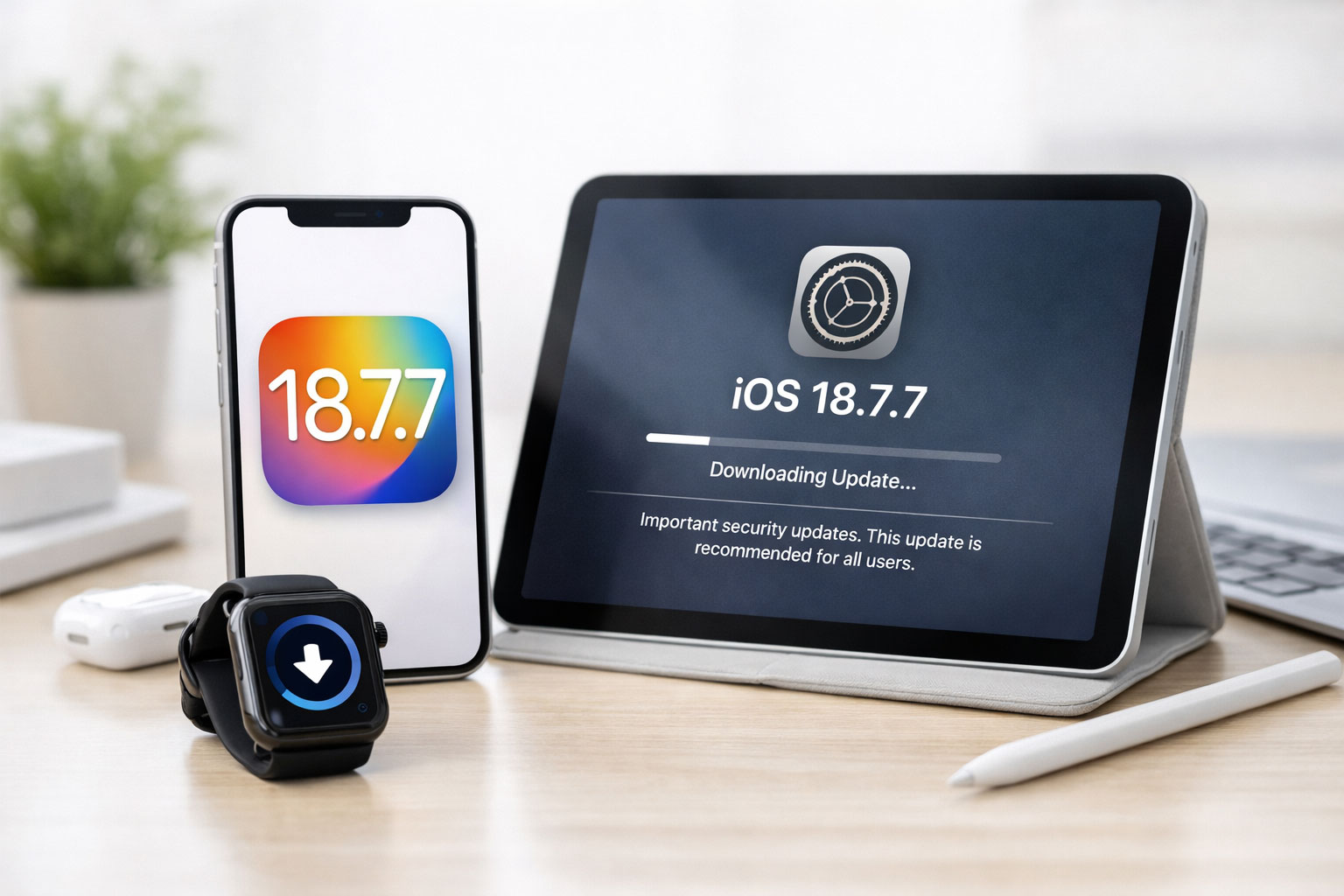
You’re still holding onto your iPhone or iPad, resisting the siren call of the latest hardware releases. Perhaps your current device serves your needs perfectly, or maybe the upgrade cycle just isn’t a priority for you at this moment. Whatever your reasons, the continued availability of software updates like iOS 18.7.7 for your established Apple hardware is a crucial aspect of maintaining its functionality, security, and a reasonable user experience. This update, while perhaps not boasting headline-grabbing new features for the newest models, represents a vital commitment from Apple to its existing user base, ensuring that even older devices remain supported and secure. For you, the holdout, understanding what this update entails and why it’s important is paramount to making an informed decision about whether or not to proceed with its installation. It’s not about chasing the newest trends; it’s about responsible device management and ensuring your technology continues to serve you reliably.
The Evolving Landscape of Digital Security
The digital world is in a constant state of flux, and unfortunately, this means the threats to your personal data and online identity are also perpetually evolving. Malicious actors are continuously seeking new vulnerabilities to exploit, whether it’s through phishing scams, malware injection, or sophisticated attacks targeting your device’s operating system. For anyone who uses their iPhone or iPad for anything more than basic communication – which is to say, for most users – security is not an optional extra; it’s a fundamental necessity. This is where software updates, even incremental ones like iOS 18.7.7, play an indispensable role. They are the digital equivalent of reinforcing the locks on your house, patching holes in your digital perimeter, and ensuring that the infrastructure you rely on is as robust as possible against emerging threats. Ignoring these updates is akin to leaving your digital door unlocked and unguarded in an increasingly perilous online environment.
Understanding Vulnerabilities and Exploits
At its core, software is complex code, and with complexity comes the potential for unintended flaws. These flaws, known as vulnerabilities, can be discovered by security researchers, or unfortunately, by those with malicious intent. Once a vulnerability is identified, it becomes an “exploit” – a piece of code or a technique designed to take advantage of that specific flaw. These exploits can be used to gain unauthorized access to your device, steal your personal information, install unwanted software, or even disrupt the normal functioning of your device. Apple, like any responsible software developer, invests significant resources in identifying these vulnerabilities through internal testing, bug bounty programs, and by analyzing reports from the broader security community. The iOS 18.7.7 update, in its essence, is a response to the discovery of such vulnerabilities.
The recent release of the iOS 18.7.7 update for iPhone and iPad users who have not yet upgraded to iOS 26+ has sparked discussions about the importance of keeping devices updated for security and performance enhancements. For those interested in exploring how technology can be leveraged to create more personalized experiences, a related article titled “The Human-Centered Automation: How to Personalize at Scale Without Sounding Like a Robot” provides valuable insights. You can read it [here](https://www.wasifahmad.com/the-human-centered-automation-how-to-personalize-at-scale-without-sounding-like-a-robot/).
Addressing Security Patches in iOS 18.7.7
The primary driver behind software updates, especially at the .7.x stage of a major iOS release, is often the patching of security vulnerabilities. While iOS 18, in its initial iterations, introduced significant new features and refinements, the ongoing security landscape necessitates continuous attention. iOS 18.7.7 is likely a targeted release designed to address specific security weaknesses that have been identified since the last major patch. These aren’t necessarily flaws that were present from day one; they are often newly discovered issues or vulnerabilities that have become more relevant or exploitable over time. Your decision to install this update directly impacts your device’s resilience against these specific threats.
The Importance of Timely Patching
Consider software updates as a proactive defense mechanism. When a vulnerability is found, the goal is to patch it before it can be widely exploited. The longer you delay in installing an update that contains critical security fixes, the longer your device remains exposed to those particular risks. While you might not be actively targeted by sophisticated nation-state actors, you are nonetheless susceptible to widespread malware campaigns, credential harvesting attempts, and other threats that can impact millions of users. Timely patching ensures that you are benefiting from the collective security efforts of Apple and the cybersecurity community, closing off avenues of attack before they can be fully leveraged.
What to Expect: Feature Additions vs. Stability Improvements
It’s important to manage your expectations regarding minor point releases like iOS 18.7.7. You are unlikely to find a litany of flashy new features or a complete overhaul of the user interface. Instead, these updates typically focus on refining the existing experience and, most importantly, enhancing stability and security. For users who prioritize a smooth and reliable device performance, these stability improvements can be just as valuable as new functionalities. A device that freezes, crashes, or exhibits unexpected behavior is neither productive nor enjoyable to use.
Subtle Enhancements and Under-the-Hood Optimizations
While not explicitly advertised as user-facing features, iOS 18.7.7 may include a range of under-the-hood optimizations. These could relate to improved battery management, enhanced app performance, or better networking efficiency. These subtle enhancements contribute to an overall smoother and more responsive experience without demanding any significant adjustment to your usage habits. Think of it like fine-tuning an engine; you might not see a dramatic difference in the car’s appearance, but its performance and efficiency are subtly improved.
Maintaining Compatibility with Apple’s Ecosystem
Your iPhone or iPad doesn’t operate in a vacuum. It’s part of a larger ecosystem that includes other Apple devices, iCloud services, and even third-party applications. For your devices to continue interacting seamlessly with these elements, maintaining software compatibility is essential. Updates often ensure that your device can properly sync with iCloud, communicate effectively with your Apple Watch or Mac, and run the latest versions of your favorite apps without encountering compatibility issues. Sticking with outdated software can lead to frustrating scenarios where your device simply cannot connect to a service or run a particular application that has been updated to work with newer software versions.
Ensuring Seamless iCloud Synchronization
iCloud is a cornerstone of the Apple experience for many users, offering seamless synchronization of photos, documents, contacts, and more across all your Apple devices. When you update your iPhone or iPad, you are also ensuring that its iCloud client is up-to-date and compatible with the latest iCloud infrastructure. This prevents potential data loss or synchronization errors that can arise when older software versions attempt to interact with newer server-side protocols. For your digital life to remain orderly and accessible across devices, consistent software versions are key.
The recent release of the iOS 18.7.7 update for iPhone and iPad users who have not yet upgraded to iOS 26+ has sparked discussions about the importance of keeping devices updated for security and performance enhancements. For those interested in understanding the broader implications of software updates and their role in technology ecosystems, a related article explores the evolution of API gateways and service mesh in microservices, shedding light on how these advancements can impact application performance and user experience. You can read more about it in this insightful piece on API gateways and service mesh.
The Long-Term Implications of Neglecting Updates
The decision to update your iPhone or iPad is not a short-term one; it has long-term implications for the lifespan and utility of your device. When you consistently refrain from installing software updates, you are effectively reducing the future utility of your hardware. As newer applications and services are developed with newer operating system versions in mind, your older device may eventually be unable to run them. Furthermore, if your device becomes a security risk due to unpatched vulnerabilities, its usefulness for tasks involving sensitive data, like online banking or accessing work-related information, will be severely compromised.
Future App Compatibility and Functionality
Think of it this way: app developers rely on the specific functionalities and APIs (Application Programming Interfaces) provided by the operating system. As Apple introduces new features and security measures in newer iOS versions, developers can leverage these to build more sophisticated and secure applications. If your device is running a significantly older version of iOS, it may not have access to these newer APIs, rendering certain apps incompatible or limiting their functionality. This can lead to a situation where your device might still be physically capable of running an app, but the operating system itself presents a barrier.
How to Install iOS 18.7.7 on Your iPhone and iPad

The process of updating your iPhone or iPad to iOS 18.7.7 is designed to be straightforward. Apple prioritizes ease of use when it comes to these essential maintenance tasks. Before you begin, it’s always a good practice to ensure your device is connected to a stable Wi-Fi network and has a sufficient battery charge, or is plugged into a power source. This minimizes the risk of interruption during the download and installation process, which could potentially lead to complications.
Backing Up Your Device: A Prudent Step
While software updates are generally reliable, it’s never a bad idea to have a recent backup of your device. This provides an extra layer of security in the unlikely event of an issue during the update process. You can back up your iPhone or iPad to iCloud or directly to your Mac or Windows PC using Finder or iTunes, respectively. This ensures that even if something goes unexpectedly wrong, you can restore your device to its previous state with your data intact.
iCloud Backups
To back up to iCloud, navigate to Settings > [Your Name] > iCloud > iCloud Backup and tap “Back Up Now.” Ensure you are connected to Wi-Fi for this process.
Computer Backups
For a computer backup, connect your device to your Mac or PC, open Finder or iTunes, select your device, and under the “General” or “Summary” tab, choose to back up to your computer. You can opt to encrypt your local backup, which is recommended for protecting sensitive data like saved passwords and Health data.
Initiating the Update Process
Once you’ve considered backing up, you can proceed with the update. The steps are generally consistent across most relatively recent iPhone and iPad models.
On Your iPhone or iPad
- Open Settings: Locate and tap the “Settings” app icon on your Home Screen.
- Navigate to General: Scroll down and tap on “General.”
- Select Software Update: Tap on “Software Update.”
- Download and Install: Your device will check for available updates. If iOS 18.7.7 is available, you will see an option to “Download and Install.” Tap this option. You may be prompted to enter your passcode.
- Agree to Terms and Conditions: You will likely need to agree to Apple’s terms and conditions.
- Installation: The download will begin, and once complete, your device will restart to install the update. This process can take some time, so be patient.
Troubleshooting Common Update Issues
While typically smooth, the update process can sometimes encounter minor hiccups. If you experience issues, there are a few common steps you can take.
Insufficient Storage Space
If download fails due to insufficient storage, you’ll need to free up some space on your device. You can do this by deleting unused apps, moving photos and videos to your computer or cloud storage, or clearing app caches.
Wi-Fi Connectivity Problems
A stable Wi-Fi connection is crucial. If your Wi-Fi is unstable or drops during the download, the update may fail. Try connecting to a different Wi-Fi network or restarting your router.
Stuck on Apple Logo or Progress Bar
If your device appears to be stuck during the installation process (e.g., on the Apple logo or a progress bar), your best course of action is to force restart your device. The method for a force restart varies slightly depending on your iPhone or iPad model, so you may need to consult Apple’s support documentation for the specific steps for your device.
In conclusion, if you’re among the many who continue to rely on your existing iPhone or iPad, the iOS 18.7.7 update is a crucial, albeit potentially understated, step in maintaining its security, stability, and ongoing usability. It represents Apple’s continued commitment to supporting its user base, ensuring that your device remains a reliable tool in an ever-evolving digital landscape. By understanding its significance and following the straightforward installation process, you can continue to benefit from your chosen Apple device with greater peace of mind.
FAQs
What is the iOS 18.7.7 update?
The iOS 18.7.7 update is a software update released by Apple for iPhone and iPad devices that are not running iOS 26 or later.
What does the iOS 18.7.7 update include?
The iOS 18.7.7 update includes bug fixes, security updates, and performance improvements for older iPhone and iPad models.
Who is the iOS 18.7.7 update for?
The iOS 18.7.7 update is specifically for iPhone and iPad users who are unable to update to iOS 26 or later due to hardware limitations.
How can I install the iOS 18.7.7 update?
To install the iOS 18.7.7 update, go to the Settings app on your device, select “General,” and then tap on “Software Update.” If the update is available, you can download and install it from there.
What should I do if I am unable to install the iOS 18.7.7 update?
If you are unable to install the iOS 18.7.7 update, it may be due to compatibility issues with your device. In this case, it is recommended to contact Apple Support for further assistance.
