


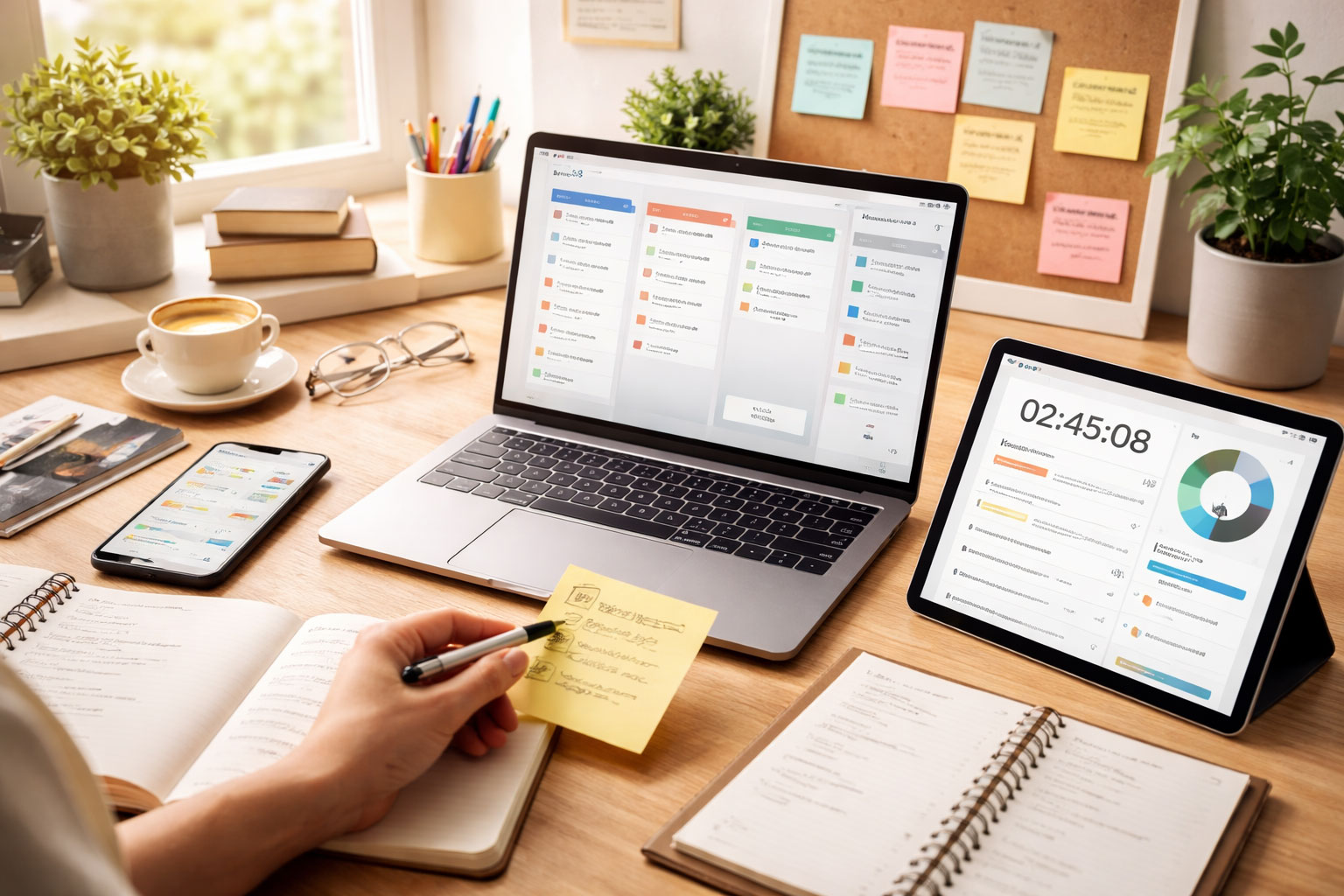
In 2026, the landscape of productivity and workflow automation is irrevocably shaped by artificial intelligence. You, as a professional navigating this accelerated environment, are likely seeking solutions to optimize your work, streamline processes, and ultimately, reclaim invaluable time. This article provides a comprehensive overview of the top AI-powered tools and software you can integrate into your operations to achieve these objectives. We will dissect their functionalities, highlight their practical applications, and discuss how they represent a significant step forward in efficiency.
Efficient handling of documents remains a cornerstone of almost every professional field. AI in 2026 significantly transcends simple optical character recognition (OCR), offering sophisticated capabilities in content generation, analysis, and organization.
AI-Powered Content Generation and Summarization
Imagine reducing the time spent drafting reports, emails, or even marketing copy from hours to minutes. AI tools are no longer merely rephrasing existing text; they are generating coherent, contextually relevant content based on minimal prompts.
- Adaptive Content Engines: These platforms learn your writing style and brand voice, enabling them to produce drafts that require minimal human editing. You provide an outline or key points, and the AI constructs a full document, complete with appropriate tone and structure. This capability is particularly valuable for recurring reports, internal communications, or even initial drafts of academic papers. For instance, you could feed an AI engine a quarterly sales report structure and the raw data, and it would generate a narrative summary, highlighting key trends and suggesting areas for improvement.
- Intelligent Summarizers: Beyond extracting keywords, these tools can distill complex documents, research papers, or lengthy meetings into concise, actionable summaries. They identify core arguments, key findings, and action items, saving you the laborious task of manual review. Consider a scenario where you receive a 50-page legal brief; an intelligent summarizer can provide a one-page executive summary, flagging critical clauses and potential implications.
Advanced Document Analysis and Data Extraction
Extracting meaningful data from unstructured documents has historically been a time-consuming and error-prone process. AI in 2026 has refined this, offering precision and speed that were previously unattainable.
- Semantic Search and Retrieval: Your ability to locate specific information within vast document repositories is dramatically improved. These systems don’t just match keywords; they understand the meaning and context of your queries. If you search for “customer sentiment regarding product launch,” the AI will not only pull up documents mentioning those terms but also analyze the sentiment expressed within relevant sections, identifying positive or negative connotations.
- Automated Data Extraction (ADE) with Contextual Understanding: ADE tools are now capable of understanding the layout and meaning of various document types – invoices, contracts, medical records – without extensive, pre-defined templates. They can accurately identify and extract specific data points, such as vendor details, payment terms, or patient demographics, significantly reducing manual data entry and its associated errors. For a legal practice, this means automatically populating contract management systems with clauses and dates from new agreements.
As we explore the landscape of AI productivity tools and workflow automation software trending in 2026, it’s essential to consider the broader implications of these technologies on innovation and efficiency. A related article that delves into the intersection of creativity and technology is available at Innovation Through Vulnerability. This piece discusses how embracing vulnerability in the workplace can lead to more innovative solutions and improved collaboration, complementing the advancements in AI tools that aim to enhance productivity.
Streamlined Project Management and Task Automation
Managing projects, coordinating teams, and ensuring tasks are completed on time are perpetual challenges. AI-driven solutions in 2026 provide a layer of intelligence that automates routine tasks, optimizes resource allocation, and anticipates potential bottlenecks.
AI-Powered Task Prioritization and Assignment
Gone are the days of manual task allocation based on educated guesses. AI algorithms can analyze project requirements, team member skill sets, and historical performance data to intelligently assign and prioritize tasks.
- Dynamic Task Queues: These systems continuously monitor project progress and individual workloads. If a team member completes a task ahead of schedule, the AI can automatically re-prioritize and assign the next most critical task, ensuring continuous productivity. Conversely, if a bottleneck is detected, it can suggest reallocating tasks or flagging a potential delay.
- Predictive Scheduling: Leveraging historical data, AI can forecast task completion times with greater accuracy, allowing you to set more realistic deadlines and manage stakeholder expectations effectively. It can also identify potential overloads for individual team members or entire departments before they occur, enabling proactive adjustments. For a software development team, this might mean predicting the impact of a newly discovered bug on the release schedule and suggesting contingency plans.
Intelligent Resource Allocation and Workflow Optimization
Optimizing resource utilization, whether human or technological, is crucial for efficiency. AI offers insights and automation to make these processes more effective.
- Automated Workflow Mapping and Improvement: AI tools can analyze existing workflows, identify inefficiencies, redundant steps, and bottlenecks, and then suggest optimized pathways. This is not just about moving boxes on a flowchart; it’s about understanding the dependencies and impact of each step. For example, in a manufacturing process, AI might identify that a certain quality control step is performed too early, leading to rework later, and suggest a more optimal placement.
- Adaptive Resource Balancing: These systems can dynamically allocate resources based on real-time project demands. If a particular department is under-resourced for a critical phase, the AI can suggest reassigning personnel from less critical projects, or even recommend temporary cross-training to alleviate pressure. This ensures that critical path activities are adequately supported.
Enhanced Communication and Collaboration

Effective communication and seamless collaboration are vital for team synergy. AI tools in 2026 are transforming how you interact with colleagues and clients, making these processes more intelligent and less prone to miscommunication.
AI-Assisted Communication Platforms
From drafting emails to moderating virtual meetings, AI is making your communication more efficient and impactful.
- Intelligent Email Management: Beyond spam filtering, these tools offer proactive suggestions for email responses, categorize incoming messages based on urgency and topic, and can even draft initial replies. They learn your preferred conversational style and can incorporate specific details from your calendar or prior communications. You might receive an email requesting a meeting, and the AI could draft a response suggesting available slots based on your calendar, complete with a virtual meeting link.
- Virtual Meeting Summarizers and Action Trackers: For online meetings, AI can transcribe discussions in real-time, identify key decisions, action items, and assigned owners. Post-meeting, it generates a concise summary and populates your task management system with the agreed-upon actions, ensuring nothing is overlooked. This significantly reduces the need for manual note-taking and follow-up emails, allowing participants to focus entirely on the discussion.
Collaborative Document Editing with AI Insights
Working on shared documents becomes more intelligent when AI is involved, offering not just version control but also content enhancement.
- Contextual Feedback and Suggestions: As you and your team collaborate on documents, AI can provide real-time feedback on grammar, style, clarity, and even content accuracy. It can highlight areas that require more detail, identify inconsistencies with previous sections, or suggest alternative phrasing to improve readability. This is particularly useful for complex technical documents or legal contracts where precision is paramount.
- Automated Version Reconciliation: For documents with multiple contributors, AI can intelligently merge conflicting edits from different versions, flagging only genuine discrepancies for human review. This reduces the manual overhead of comparing and reconciling dozens of changes, especially in large-scale projects.
Intelligent Data Analysis and Business Intelligence
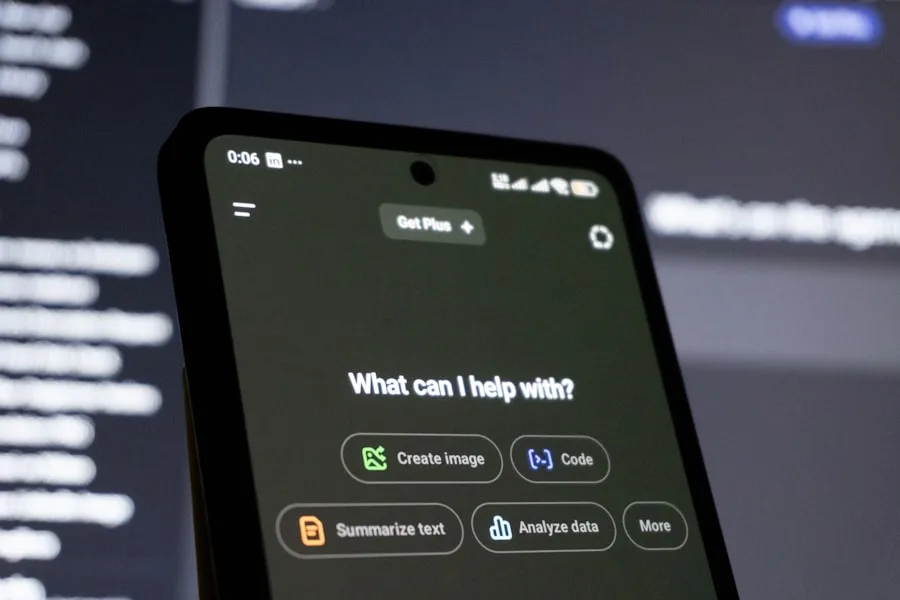
The deluge of data faced by modern organizations can be overwhelming. AI in 2026 transforms this raw data into actionable insights, enabling you to make more informed decisions faster.
AI-Powered Data Visualization and Report Generation
Moving beyond static dashboards, AI now creates dynamic, interactive visualizations that highlight critical trends and anomalies without extensive manual setup.
- Automated Insight Discovery: These platforms go beyond simply displaying data. They actively analyze datasets, identify statistically significant patterns, correlations, and outliers, and then present these findings to you in an easily digestible format. For instance, an AI could analyze sales data and not only show you a dip in revenue but also pinpoint the specific product line and geographic region contributing most to that decline, along with potential contributing factors.
- Natural Language Query (NLQ) for Data: Instead of building complex database queries, you can simply ask questions in plain language, such as “What were our best-selling products in Q3 last year by region?” and the AI will generate the relevant report or visualization. This democratizes data access, allowing non-technical users to extract valuable insights independently.
Predictive Analytics and Forecasting
Anticipating future trends is a significant advantage. AI models are becoming increasingly sophisticated in their ability to forecast various business metrics.
- Demand Forecasting with External Factors: Beyond historical sales, AI can now incorporate external factors like economic indicators, weather patterns, social media trends, and competitor activities to deliver highly accurate demand forecasts. This allows for optimized inventory management, production planning, and resource allocation. A retailer, for instance, could use AI to predict demand for seasonal items, adjusting order quantities based on upcoming public holidays and local events.
- Risk Assessment and Anomaly Detection: AI continuously monitors operational data for unusual patterns that might indicate potential risks, such as cybersecurity threats, equipment failures, or financial irregularities. It can flag these anomalies in real-time, allowing for proactive intervention before they escalate into significant problems. For a financial institution, this could mean identifying unusual transaction patterns indicative of fraud.
As we look ahead to 2026, the landscape of productivity tools and workflow automation software continues to evolve rapidly, making it essential for professionals to stay informed about the latest trends. For those interested in exploring the most effective AI-driven solutions, a related article on emerging technologies can provide valuable insights. You can find more information on this topic by visiting this article, which delves into the innovations shaping the future of work and enhancing productivity.
Personal Productivity and Digital Well-being
| Productivity Tool | Key Features | Workflow Automation Software | Key Benefits |
|---|---|---|---|
| 1. Trello | Visual project management, collaboration tools | 1. Zapier | Streamlined processes, time savings |
| 2. Asana | Task management, team communication | 2. Microsoft Power Automate | Automated repetitive tasks, improved efficiency |
| 3. Notion | Notes, databases, wikis | 3. Monday.com | Centralized work management, enhanced collaboration |
While much of the focus is on organizational efficiency, AI in 2026 also offers significant advancements in personal productivity and maintaining a healthy work-life balance.
AI-Enhanced Personal Assistants and Scheduling
Your personal digital assistant is no longer just for setting reminders; it actively manages your time and helps you focus.
- Proactive Scheduling and Time Blocking: These advanced assistants analyze your calendar, task list, and communication patterns to suggest optimal times for focused work, meetings, and breaks. They can automatically block out “focus time” based on deadlines, reducing interruptions and ensuring you dedicate sufficient time to critical tasks. If an urgent deadline approaches, the AI might suggest rescheduling a less critical meeting to free up time.
- Meeting Preparation and Follow-up Automation: The assistant can automatically pull relevant documents, previous meeting notes, and attendee profiles before a meeting. After the meeting, it can draft follow-up emails, summarize key discussion points, and even populate your task list with any agreed-upon actions.
Focus Enhancement and Digital Detox Tools
Maintaining concentration in a highly connected world is challenging. AI helps you manage digital distractions and improve your ability to focus.
- Intelligent Notification Management: Instead of a barrage of alerts, AI learns your work patterns and contextualizes notifications. It suppresses non-urgent alerts during deep work sessions, delivering them at more appropriate times, while still prioritizing truly urgent communications. If you’re in a critical meeting, it might hold all but the most immediate notifications until your availability changes.
- Personalized Digital Well-being Insights: These tools analyze your screen time, application usage, and interaction patterns to provide personalized insights into your digital habits. They can suggest optimal break times, recommend “digital detox” periods, and help you understand how your technology use impacts your productivity and well-being. For example, it might notify you if you’ve spent an excessive amount of time on social media during working hours and suggest strategies for improvement.
The integration of these AI tools is not merely about adopting new software; it’s about fundamentally rethinking how you work. By leveraging these intelligent systems, you can move beyond repetitive, low-value tasks and dedicate your cognitive resources to strategic thinking, innovation, and creative problem-solving. The year 2026 presents an unprecedented opportunity to redefine your professional output and personal efficiency through the judicious application of artificial intelligence.
FAQs
1. What are some of the best AI productivity tools available in 2026?
Some of the best AI productivity tools available in 2026 include virtual assistants, smart calendars, project management software, and automated data analysis tools.
2. How can AI productivity tools improve workflow automation?
AI productivity tools can improve workflow automation by streamlining repetitive tasks, analyzing data to provide insights, and optimizing processes for greater efficiency.
3. What are the key features to look for in AI productivity tools?
Key features to look for in AI productivity tools include natural language processing, machine learning capabilities, integration with other software, and customizable automation workflows.
4. How can AI productivity tools benefit businesses and professionals?
AI productivity tools can benefit businesses and professionals by saving time, reducing errors, providing valuable insights, and enabling better decision-making.
5. What are some popular trends in AI productivity tools and workflow automation software in 2026?
Some popular trends in AI productivity tools and workflow automation software in 2026 include increased use of AI-powered analytics, personalized virtual assistants, and seamless integration with Internet of Things (IoT) devices.
