


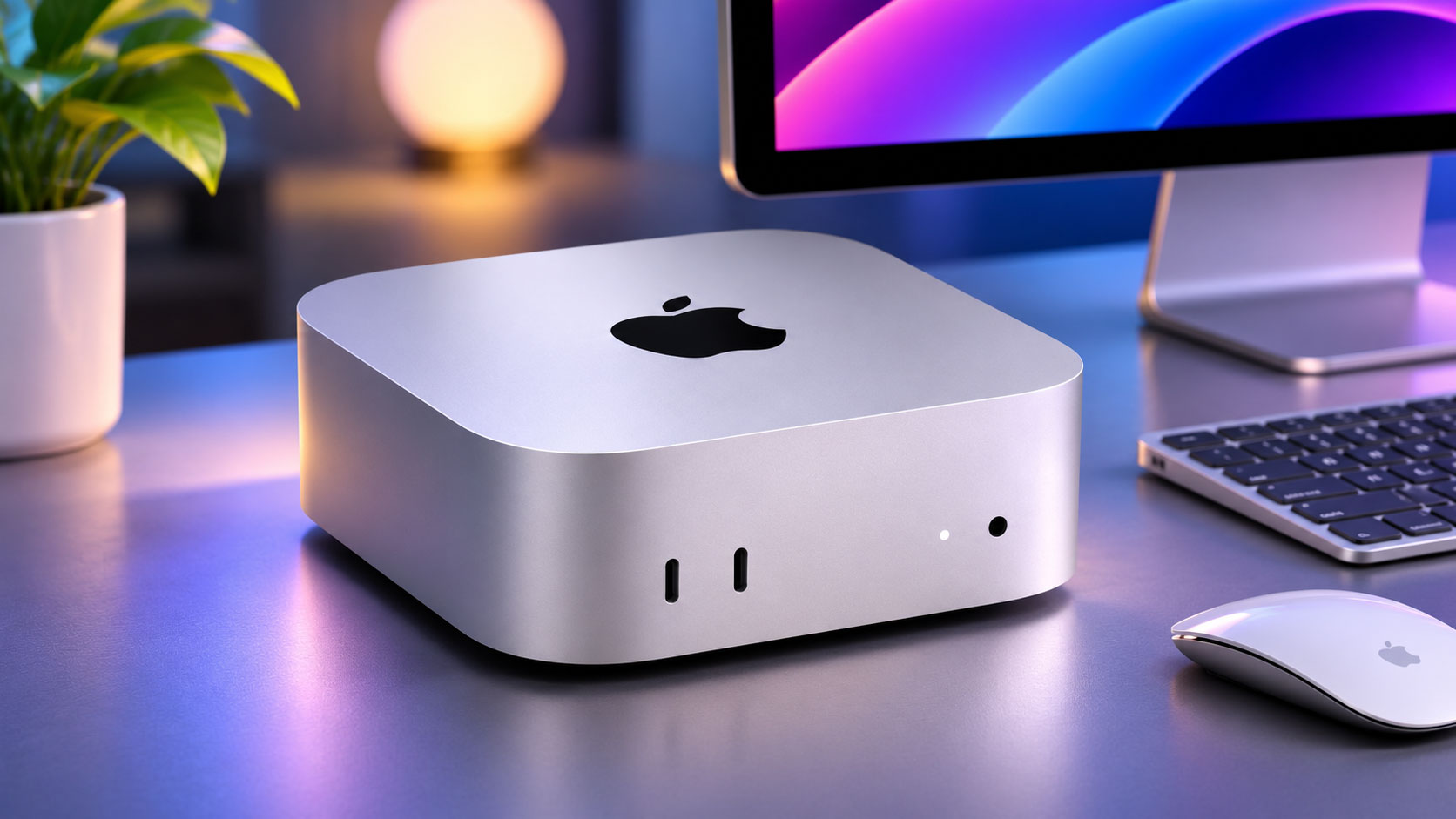
A New Era for Local AI on macOS
You’re standing at the precipice of a significant shift in how you interact with artificial intelligence, particularly if you’re a macOS user. Apple has, once again, underscored its commitment to empowering its users with cutting-edge technology, this time by unveiling a new Mac application specifically designed to streamline the process of running local AI models. This isn’t just another software update; it’s a strategic move that fundamentally changes the accessibility and performance of advanced AI capabilities directly on your desktop. For too long, the barrier to entry for experimenting with and deploying AI models locally has been substantial, often requiring a deep understanding of command-line interfaces, complex environment setups, and nuanced dependency management. Apple’s new offering aims to dismantle these hurdles, making local AI a practical reality for a much wider audience, from developers and data scientists to curious enthusiasts and even mainstream users looking to leverage AI in their daily workflows.
The implications of this move are far-reaching. By simplifying the execution of local AI, Apple isn’t just catering to a niche group; it’s fostering an ecosystem where privacy, control, and performance converge. Running AI models locally means your data never leaves your device, addressing paramount concerns about data privacy and security that often arise with cloud-based AI solutions. Furthermore, it unlocks the full potential of Apple Silicon, leveraging its unified memory architecture and powerful neural engines to deliver unparalleled performance directly on your Mac. You’ll experience lower latency, faster iteration cycles, and the ability to customize and fine-tune models without the recurring costs or connectivity dependencies associated with cloud infrastructure. This new application is poised to become an indispensable tool in your digital arsenal, fundamentally reshaping your approach to AI development and utilization on the Mac platform.
The Genesis of Local AI Simplification
For years, the promise of local AI has been tempered by the reality of its complexity. You’ve likely encountered countless tutorials and guides that, while informative, often assume a level of technical proficiency beyond that of the average user. Setting up Python environments, managing virtual machines, installing myriad libraries like TensorFlow or PyTorch, and then wrestling with CUDA or MPS configurations has been a rite of passage for anyone venturing into local AI. This arduous setup process has created a significant chasm between the theoretical benefits of local AI and its practical adoption. Apple’s observation of this pain point, combined with the increasing computational prowess of Apple Silicon, has served as the catalyst for this new initiative. They recognized that to truly democratize AI, they needed to abstract away the underlying complexities, presenting a user experience that aligns with the intuitive nature you’ve come to expect from macOS. This isn’t just about providing a wrapper; it’s about re-imagining the entire workflow, from discovery to deployment.
Addressing the Developer’s Dilemma
Developers, in particular, will appreciate the immediate impact of this new tool. You know the frustration of spending hours debugging environment variables or resolving dependency conflicts instead of actually building and iterating on your models. The new Mac app acts as a centralized hub, providing a consistent and reliable environment for running various AI models. It’s designed to minimize the “it works on my machine” syndrome by standardizing the execution pipeline. This consistency is crucial for collaborative projects, allowing teams to share and deploy models with greater confidence and less friction. You’ll find yourself spending more time on the creative and analytical aspects of AI development and significantly less on the infrastructure headaches that have historically plagued local setups. This strategic simplification isn’t just a convenience; it’s an accelerator for innovation, freeing you to push the boundaries of what’s possible with AI on your desktop.
Apple’s upcoming Mac app, designed to simplify the process of running local AI models, is generating excitement among developers and tech enthusiasts alike. This innovative tool aims to streamline AI integration into various applications, making it more accessible for users. For those interested in enhancing their brand’s connection with customers, a related article discusses the importance of building brand loyalty through authentic email storytelling. You can read more about it here: Building Brand Loyalty Through Authentic Email Storytelling.
Key Features and User Experience Enhancements

When you launch this new Mac application, you’re greeted with an interface that immediately feels familiar, embodying Apple’s signature design philosophy of clarity and functionality. This isn’t a command-line tool disguised with a GUI; it’s a meticulously crafted application designed to guide you through the process of running local AI models with unprecedented ease. The emphasis is squarely on user experience, ensuring that even complex operations are presented in an accessible and understandable manner. You’ll find intuitive controls for model selection, parameter tuning, and performance monitoring, all within a unified and visually appealing environment.
Streamlined Model Discovery and Management
One of the most significant hurdles you face when working with local AI models is often the initial discovery and acquisition of these models. The new app addresses this directly by integrating a curated library of pre-trained models. Think of it as an App Store for AI models, allowing you to browse, download, and install various models with just a few clicks. Whether you’re interested in large language models (LLMs), image generation models, or specialized computer vision algorithms, you’ll find a growing selection readily available. The app handles the complexities of fetching model weights, optimizing them for Apple Silicon, and ensuring all necessary dependencies are in place. You no longer need to scour GitHub repositories or navigate obscure download links; everything is centralized and easily accessible.
Furthermore, model management is equally simplified. You can view all your installed models, check their versions, and easily update them when new iterations are released. The application provides clear indicators of disk space usage for each model and offers options to uninstall models you no longer need, helping you maintain a tidy local environment. This centralized control empowers you to experiment with a wide array of models without the usual overhead of manual installation and removal processes.
Intuitive Parameter Tuning and Execution
Once you’ve selected a model, the application presents you with an intuitive interface for configuring its parameters. You’ll find sliders, dropdowns, and input fields that allow you to adjust various settings, such as inference speed, output quality, and specific model behaviors. For instance, if you’re working with a text generation model, you might adjust parameters like “temperature” to control the randomness of the output or “max tokens” to limit the length of generated text. The application provides clear explanations for each parameter, helping you understand its impact without requiring you to dive into the model’s underlying code.
Executing a model is as simple as clicking a “Run” button. The application then handles the heavy lifting, leveraging Apple Silicon’s neural engine and GPU for optimal performance. You’ll see real-time progress indicators, and depending on the model, immediate output. This iterative feedback loop is crucial for rapid prototyping and experimentation, allowing you to quickly test different configurations and observe their effects. The ability to save and load parameter configurations means you can easily revisit successful setups or share them with colleagues, further streamlining your workflow.
Performance Monitoring and Resource Utilization
Understanding how your local AI models are utilizing your Mac’s resources is vital for optimization. The new app provides comprehensive performance monitoring tools, giving you insights into CPU, GPU, and neural engine usage during inference. You can track memory consumption, observe inference times, and identify potential bottlenecks. This data is presented through clear, graphical dashboards that are easy to interpret, even if you’re not an expert in system performance.
This level of transparency empowers you to make informed decisions about model selection and parameter tuning. For example, if you notice a particular model is heavily reliant on your GPU, you might prioritize running it on a Mac equipped with a more powerful graphics processor. Conversely, if a model is memory-intensive, you can gauge whether your current Mac configuration is sufficient or if an upgrade might be beneficial. This proactive approach to resource management ensures you’re always getting the most out of your hardware when running local AI.
The Power of Apple Silicon and Unified Memory

You cannot overstate the symbiotic relationship between this new Mac app and Apple Silicon. This application isn’t merely a software layer; it’s a testament to the transformative capabilities of Apple’s custom-designed chips. The architecture of Apple Silicon, particularly its unified memory system and dedicated Neural Engine, provides a distinct advantage for running AI models locally that traditional CPU-GPU setups often struggle to match. When you leverage this app, you’re tapping directly into the optimized hardware that makes high-performance, on-device AI a practical reality.
Unified Memory Architecture: A Game Changer
Historically, running AI models involved a complex dance between your CPU’s main memory and your GPU’s dedicated VRAM. Data would constantly need to be copied back and forth between these two distinct memory pools, leading to latency and performance bottlenecks, especially with larger models. This constant data shuffling became a significant impediment to efficiency.
Apple Silicon, with its unified memory architecture, obliterates this bottleneck. You no longer have separate pools of RAM; the CPU, GPU, and Neural Engine all share access to the same high-bandwidth memory. This means that when an AI model processes data, the data doesn’t need to be copied; it’s simply accessed directly by whatever component needs it, instantly and without delay. For you, this translates to dramatically faster inference times, especially for large language models or image generation tasks that operate on massive datasets. The reduction in data movement significantly improves efficiency, allowing your Mac to dedicate more resources to actual computation rather than memory management overhead. This architectural innovation is a fundamental reason why local AI on Apple Silicon Macs is not just feasible but exceptionally performant.
The Dedicated Neural Engine: AI Acceleration
Beyond the unified memory, Apple Silicon integrates a dedicated Neural Engine, specifically designed to accelerate machine learning tasks. This isn’t just a general-purpose processor; it’s a specialized co-processor optimized for the mathematical operations fundamental to neural networks, such as matrix multiplications and convolutions. When you run an AI model through the new Mac app, the Neural Engine automatically kicks in, handling these intensive computations with incredible efficiency.
What does this mean for you? It means that tasks like object detection, natural language processing, or real-making creative generative AI models can execute at speeds that would be unimaginable on systems without such dedicated hardware. The Neural Engine offloads these specific AI workloads from the main CPU cores, freeing them up for other tasks and ensuring your overall system remains responsive. You’ll experience snappier responses from AI applications and complex models that might otherwise bog down your system will run smoothly. This dedicated hardware acceleration is a critical component in making the dream of powerful, local AI a reality on your desktop.
Optimized Frameworks and Ecosystem
Apple’s commitment extends beyond just hardware; it encompasses the entire software stack. The new Mac app is built upon highly optimized frameworks like Core ML and Metal Performance Shaders (MPS), which are specifically designed to leverage the unique capabilities of Apple Silicon. When you import or download models within the app, they are often automatically converted or optimized to run efficiently with these frameworks.
This deep integration means that you don’t have to worry about the underlying technical details of hardware acceleration or framework compatibility. The app handles it all, ensuring that your models are running on the most efficient path possible. This unified hardware and software ecosystem creates a powerful synergy, delivering performance that is not just fast, but intelligently optimized for your Mac. You’re not just running an AI model; you’re running it on a platform meticulously engineered for AI.
Privacy, Control, and Offline Capabilities
In an increasingly cloud-centric world, the ability to run AI models locally on your Mac offers compelling advantages, particularly regarding privacy, control, and autonomy. This new application fundamentally shifts the paradigm from reliance on external servers to empowering you with on-device intelligence, addressing concerns that have grown alongside the proliferation of cloud-based AI services. When you choose to run AI locally, you’re not just gaining performance; you’re reclaiming agency over your data and workflows.
Unparalleled Data Privacy
The most significant benefit you gain from running AI models locally through this new app is unparalleled data privacy. When you use cloud-based AI services, your data — whether it’s text prompts for an LLM, images for generation, or sensitive documents for analysis — must be transmitted to remote servers. This transmission introduces several privacy risks, including potential interception, storage on third-party servers, and the possibility of that data being used for training or analysis without your explicit knowledge or consent.
With local AI, your data never leaves your device. The entire inference process occurs within the confines of your Mac. This means that your personal photos, confidential documents, proprietary code, or sensitive conversations remain exclusively on your machine. You maintain complete control over your information, eliminating the need to trust third-party providers with your most valuable data. This aspect alone makes local AI an indispensable tool for professionals working with sensitive information, or for any user who simply values their digital privacy above all else. You can experiment, create, and analyze with the peace of mind that your data is truly yours.
Complete Control Over Models and Output
Beyond privacy, running AI models locally grants you an unprecedented level of control. You are no longer subject to the arbitrary terms of service, usage quotas, or censorship policies of cloud providers. With the new Mac app, you can download, modify (if you have the technical expertise), and run models precisely how you want them. There are no content filters imposed by a third party, no rate limits hindering your experimentation, and no unexpected changes in model behavior due to server-side updates.
This level of control extends to the output of the models. If you’re generating images or text, the results are immediately available to you for further processing, editing, or integration into your projects. You own the output outright, without any implicit licenses or restrictions that sometimes accompany cloud-generated content. For developers and creators, this means freedom to innovate without external constraints, fostering a truly open and creative environment for AI exploration. You become the master of your AI, not merely a consumer of a distant service.
Robust Offline Capabilities
Consider the scenario where you’re working remotely, traveling, or experiencing an internet outage. Cloud-based AI services become inaccessible, leaving you stranded. This new Mac application completely sidesteps that dependency. Once you’ve downloaded and installed an AI model, it resides entirely on your local machine. This means you can run powerful AI inference tasks without any internet connection whatsoever.
Whether you’re generating code on a flight, analyzing data in a remote location, or simply working in an environment with unreliable connectivity, your AI capabilities remain fully operational. This robust offline functionality is a game-changer for productivity and reliability, ensuring that your AI workflows are never interrupted by network issues. You can maintain continuity in your work, regardless of your physical location or network status, making your Mac an even more powerful and self-sufficient workstation for AI.
Apple’s upcoming Mac app designed to simplify the process of running local AI models is generating significant interest in the tech community. This innovative tool aims to empower users by providing a user-friendly interface for managing AI applications directly on their devices. For those looking to enhance their understanding of related technologies, an insightful article on email marketing and automation can be found here, which explores how AI is transforming various digital marketing strategies.
Future Implications and Ecosystem Growth
| Feature | Description | Benefit | Supported Models | Platform Compatibility |
|---|---|---|---|---|
| Local AI Model Running | Enables running AI models directly on Mac hardware without cloud dependency | Improved privacy and faster processing | Popular open-source models like GPT, Stable Diffusion | macOS Ventura and later |
| User-Friendly Interface | Simple UI for managing and deploying AI models | Accessible to developers and non-experts | N/A | macOS |
| Hardware Optimization | Optimized for Apple Silicon chips (M1, M2) | Enhanced performance and energy efficiency | AI models optimized for Apple Neural Engine | Apple Silicon Macs |
| Privacy Focus | Data processed locally without sending to cloud | Increased user data security | N/A | macOS |
| Open Source Support | Supports integration with open-source AI frameworks | Flexibility for developers | TensorFlow, PyTorch, Core ML | macOS |
The introduction of Apple’s new Mac app for local AI is more than just a convenient tool; it’s a strategic foundational move that hints at a significant shift in the broader AI landscape. By making local AI accessible and performant, Apple is not only empowering individual users but also laying the groundwork for an expanded ecosystem and fostering innovation in ways that extend far beyond the immediate utility of the application itself. You are witnessing the beginning of a new chapter where on-device intelligence becomes the norm, not the exception.
Fostering a New Developer Community
One of the most exciting implications is the potential for a burgeoning developer community centered around local AI on macOS. By simplifying the setup and execution, Apple is lowering the barrier to entry for countless developers who might have previously been intimidated by the complexities of AI infrastructure. You can expect to see a surge in independent developers and small teams creating and optimizing models specifically for Apple Silicon and this new application.
This could lead to a rich marketplace of specialized local AI models, catering to niche industries, creative workflows, or specific accessibility needs. Imagine developers building highly optimized AI assistants that understand local dialects, creative tools that generate art styles unique to a particular region, or privacy-focused data analysis tools that process sensitive information entirely on-device. This new accessibility will democratize AI development, moving it from the exclusive domain of large corporations to a vibrant, open community of innovators. You will be able to discover and utilize an even wider array of AI solutions, tailored to your specific needs.
Integration with macOS and Apple Services
While the initial release focuses on a standalone application, you can anticipate deeper integration of these local AI capabilities directly into macOS and Apple’s suite of applications. Imagine AI-powered features woven seamlessly into your everyday computing experience. Your photos app might automatically generate sophisticated captions or suggestions for edits using an on-device vision model. Pages could offer advanced writing assistance, summarizing documents or rephrasing sentences using a local LLM, all without sending your content to the cloud.
Siri, too, stands to benefit immensely. By leveraging local AI models, Siri could become significantly more capable, understanding complex requests and performing tasks with greater nuance and speed, even offline. This integration wouldn’t just be about adding new features; it would be about enhancing existing ones, making your Mac more intelligent, responsive, and personalized. You would experience a more cohesive and powerful operating system where AI works quietly in the background, anticipating your needs and augmenting your productivity.
Ethical AI and Responsible Development
The emphasis on local AI also carries significant ethical implications. By empowering users to run models on their own devices, Apple is subtly promoting a more responsible approach to AI development and deployment. When you control the model, you also have greater insight into its behavior and outputs. This decentralization of AI inference can help mitigate some of the risks associated with large, centralized cloud AI systems, such as bias amplification, censorship, or opaque decision-making processes.
Developers working with this new local AI framework will have a direct incentive to build efficient, compact, and privacy-preserving models. The limitations of on-device resources (even with Apple Silicon’s power) encourage optimization and thoughtful model design. This could lead to a future where AI is not just powerful, but also more transparent, accountable, and respectful of user data and autonomy. You will be part of an ecosystem that values ethical considerations as much as computational prowess, shaping the future of AI in a more responsible direction.
FAQs
What is the purpose of the new Mac app from Apple?
The new Mac app is designed to simplify the process of running local AI models on Mac computers, making it easier for developers and users to leverage AI capabilities without relying on cloud services.
When is the new Mac app expected to be released?
While Apple has announced the development of the app, a specific release date has not been provided. Users are encouraged to stay tuned for updates from Apple regarding its availability.
What types of AI models can be run using this app?
The app is expected to support a variety of AI models, including machine learning and deep learning models, allowing users to experiment with different algorithms and datasets locally on their Macs.
Will the app require any special hardware to run effectively?
The app is designed to work on recent Mac models, particularly those equipped with Apple’s M1 or M2 chips, which provide enhanced performance for AI tasks compared to older Intel-based Macs.
Is there any cost associated with the new Mac app?
As of now, Apple has not disclosed any pricing information for the app. It is unclear whether it will be offered for free or if there will be a cost associated with its use.
