


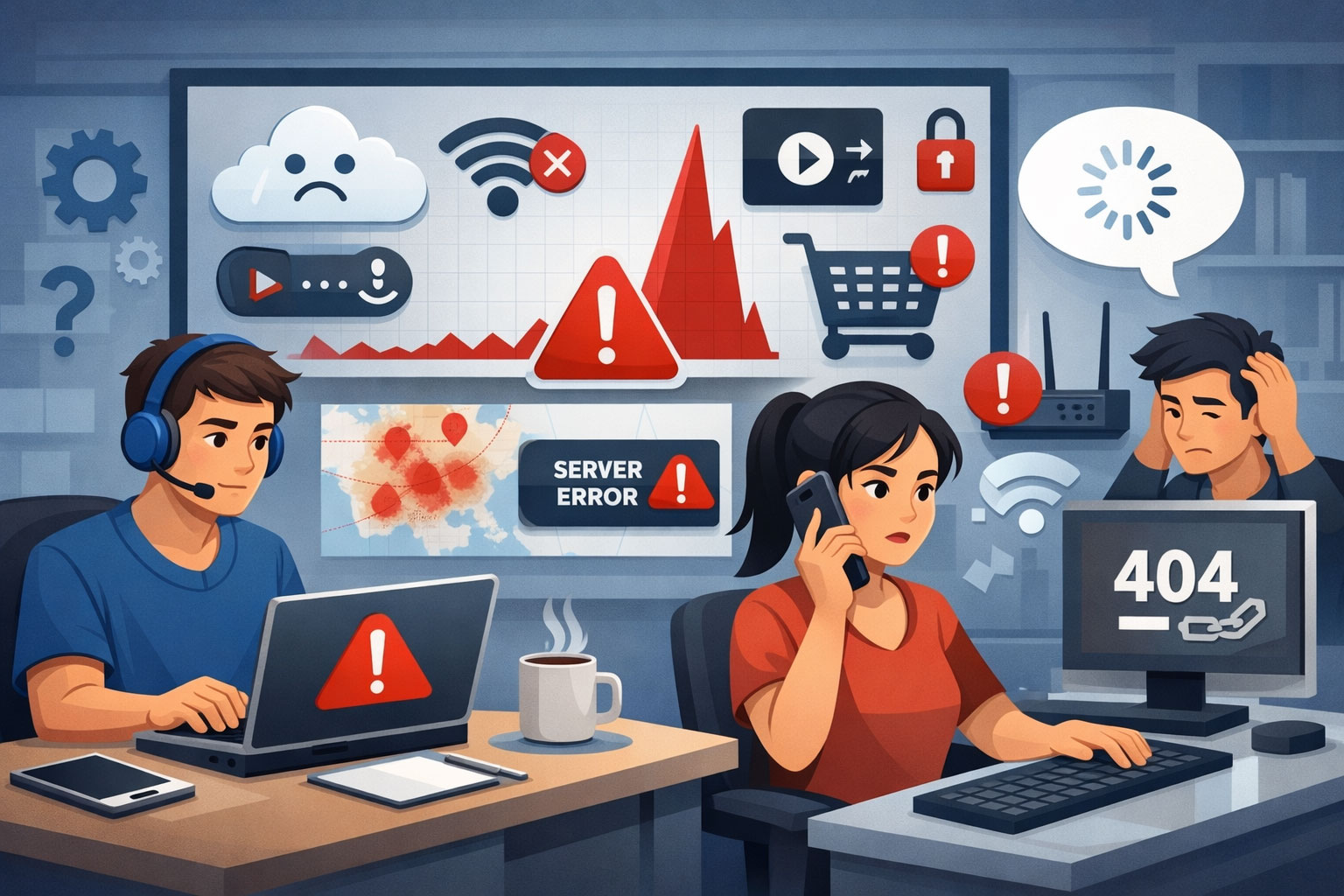
You’ve just encountered a frustrating tech issue. Your favorite social media platform isn’t loading, your streaming service is buffering endlessly, or your essential work tool is completely unresponsive. Before you restart your router for the tenth time or resort to a frantic Google search, there’s a valuable resource you should turn to: Downdetector. This independent website provides real-time status information for numerous websites and services, helping you quickly ascertain whether the problem lies with your own setup or a widespread outage.
Understanding Downdetector’s Role
Downdetector acts as a centralized hub for reporting and visualizing service outages. Instead of relying solely on official company statements, which can sometimes be delayed or vague, Downdetector aggregates user-submitted reports from various sources, including their own website, Twitter, and other public channels. This crowdsourced data allows them to identify patterns and determine if a significant number of users are experiencing similar issues, suggesting an overarching problem rather than an isolated incident on your end.
If you’re interested in understanding how social media platforms can impact user experience and connectivity, you might find this article on TikTok ads insightful. It explores how user-generated content can effectively reach millions, highlighting the importance of engagement in today’s digital landscape. You can read more about it here: A Guide to TikTok Ads: Reaching Millions with User-Generated Content.
Validating Your Suspicions
When a service isn’t working, the first question you likely ask yourself is, “Is it just me, or is it everyone?” Downdetector offers a quick and definitive answer. By visiting their website and searching for the affected service, you can instantly see a graph depicting the number of reported problems over the last 24 hours. A sudden spike in reports is a strong indicator of a widespread outage.
How Downdetector Works: A Deeper Dive
Downdetector’s methodology is built on data aggregation and pattern recognition. It collects data from multiple sources to create a comprehensive picture of a service’s operational status.
Data Collection and Aggregation
Downdetector doesn’t just wait for users to visit their website and submit a report. It actively monitors various online channels to gather information.
User Submissions
The most direct form of data collection is through user reports directly on the Downdetector website. When you visit a service’s page on Downdetector, you’ll often see a prominent button asking if you’re experiencing problems. Submitting a report contributes to the overall data set.
Social Media Monitoring
Downdetector leverages social media platforms, particularly Twitter, to identify discussions about service outages. Algorithms are employed to detect keywords, hashtags, and mentions related to problems with specific services. A surge in such mentions can signal a growing issue.
Other Public Sources
While not always explicitly detailed by Downdetector, it’s understood that they may also monitor other publicly available information streams, such as online forums or news outlets, for reports of service disruptions.
Pattern Recognition and Algorithm Analysis
Once the data is collected, Downdetector employs algorithms to analyze it and identify legitimate outages.
Baseline Establishment
For each tracked service, Downdetector establishes a baseline of “normal” problem reports. This baseline accounts for the usual trickle of individual user issues or minor glitches that are always present.
Anomaly Detection
When the number of reported problems significantly exceeds this established baseline, Downdetector flags it as a potential outage. The algorithms are designed to distinguish genuine widespread problems from isolated incidents.
Severity and Scope Assessment
The algorithms also attempt to assess the severity and scope of an outage. A massive spike across numerous geographic regions suggests a major incident, while a localized increase might indicate a regional problem.
Navigating the Downdetector Interface
Understanding how to effectively use Downdetector is straightforward. Its design prioritizes clarity and quick access to information.
Searching for a Service
The primary way to use Downdetector is by searching for the specific service you’re having trouble with. The search bar is typically prominent on the homepage. As you type, suggestions will often appear, making it easy to find the correct service.
Interpreting the Status Graph
Once you navigate to a service’s page, the most important element you’ll see is the status graph. This graph plots the number of reported problems over time, usually the last 24 hours.
Normal vs. Elevated Reports
A flat line at a low level indicates normal operation. A noticeable upward spike, especially one that rises significantly above the typical baseline, signals an increase in reported problems, suggesting a potential outage.
Timeline and Peak
The timeline along the bottom of the graph allows you to see when the reports started increasing and when they peaked. This can help you understand the duration and intensity of the issue.
Examining User Comments
Below the status graph, you’ll often find a section for user comments. This is a valuable resource for gaining more context about the reported issues.
Specific Problem Descriptions
Users often provide details about the specific problems they are encountering. This could be anything from login failures to specific features not working. This information can help you determine if your issue aligns with what others are experiencing.
Geographic Information
Some users may include their location in their comments, which can be useful for understanding if an outage is widespread or localized to a particular region.
Workarounds and Solutions
Occasionally, users might share temporary workarounds or solutions they’ve discovered, which can be beneficial while waiting for the official fix.
Geographical Outage Map (If Available)
For some services, Downdetector provides a geographical outage map. This map visually represents the areas where problems are being reported, with darker shades indicating a higher concentration of reports. This can be particularly useful for determining if an outage is regional or global.
Downdetector is a valuable tool for monitoring service outages and disruptions, providing real-time insights into various platforms. For those interested in enhancing their online presence, understanding the impact of digital marketing is crucial. You can explore this topic further in a related article that discusses strategies for maximizing reach in the digital landscape. Check it out here: maximizing reach to learn how effective marketing can help businesses stay connected with their audience even during service interruptions.
Beyond Initial Assessment: Troubleshooting with Downdetector’s Insights
While Downdetector’s primary function is to confirm outages, the information it provides can also guide your troubleshooting efforts.
Identifying the Scope of the Problem
If Downdetector confirms a widespread outage, you can shift your focus from troubleshooting your own equipment to waiting for the service provider to resolve the issue. This saves you time and frustration spent trying to fix something that isn’t broken on your end.
Differentiating Between Service and Local Issues
Conversely, if Downdetector shows no significant increase in problem reports for a service you’re struggling with, it strongly suggests the issue is localized to your setup, network, or device. This directs your troubleshooting efforts towards inspecting your internet connection, router, browser, or device settings.
Understanding Specific Issue Types
By reviewing user comments, you can often discern the specific nature of the outage. For example, if many users are reporting login issues but other functionalities are working, you know the problem is related to authentication servers, not the entire service. This insight can sometimes help you find temporary workarounds if only certain aspects are affected.
Anticipating Resolution Times (Indirectly)
While Downdetector doesn’t provide official resolution times, observing the trend on the status graph can give you an indirect indication. If the number of reports starts to decline, it suggests that the service provider is making progress in restoring functionality. A rapid decline is more optimistic than a slow, gradual one.
Contributing to the Downdetector Community
Your participation in the Downdetector community enhances its effectiveness for everyone.
Reporting Your Own Issues
When you encounter a problem, take a moment to visit Downdetector and report it. Your contribution helps to build a more accurate picture of the service’s status and allows others to benefit from the aggregated data.
Providing Detailed Comments
If you choose to leave a comment, try to be as specific as possible about the issue you’re experiencing. Include details like the time it started, the specific functionality that’s not working, and your general location (if you’re comfortable doing so). This detailed information improves the quality of the crowd-sourced data.
Checking Before Reporting
Before reporting, quickly check if there’s already a significant spike in reports. If there is, your report still contributes, but understanding the existing status helps contextualize your contribution.
Limitations of Downdetector
While a valuable tool, Downdetector is not without its limitations. Understanding these can help you interpret its data more accurately.
Reliance on User Reports
Downdetector’s accuracy is heavily reliant on user submissions and public social media data. If a service has a small user base or users are not actively reporting issues, an outage might go unnoticed or appear less severe than it truly is.
Potential for False Positives
A sudden surge in reports could sometimes be triggered by factors other than an actual widespread outage, such as a localized network problem affecting a large number of users in a specific area, or even a coordinated effort to falsely report issues. Downdetector’s algorithms work to mitigate this, but it’s not foolproof.
Incomplete Picture of Root Cause
Downdetector tells you that a service is experiencing problems, but it doesn’t tell you why. It cannot provide insights into the root cause of an outage, such as server failures, cyberattacks, or maintenance issues. For that, you would need to consult official statements from the service provider.
Delayed Official Confirmation
While Downdetector can often identify outages before official announcements, it does not replace the need for official communication from the service provider. For definitive information and estimated resolution times, you should still refer to the affected company’s status pages or social media channels.
Geographic Specificity Challenges
While the geographical map can be helpful, precise pinpointing of outages can sometimes be challenging due to the variability of user reporting location data. Some users might not have their location services enabled, or their reported location might be generalized.
Integrating Downdetector into Your Troubleshooting Workflow
Making Downdetector a standard part of your troubleshooting process can save you considerable time and frustration.
Step 1: Initial Problem Encounter
When you first notice a service isn’t working, resist the urge to immediately blame your own internet or devices.
Step 2: Check Downdetector
Before attempting any complex troubleshooting steps, open Downdetector in your browser or an app and search for the affected service.
Step 3: Interpret the Results
- Significant Spike Detected: If Downdetector shows a clear outage, stop troubleshooting your local setup. The problem is with the service provider. You can then monitor Downdetector or the provider’s official channels for updates.
- No Spike Detected: If Downdetector shows normal activity, the problem is likely on your end. Proceed with local troubleshooting.
Step 4: Local Troubleshooting (If No Outage)
If the problem is local, begin your standard troubleshooting steps:
- Restart your device: A simple reboot can often resolve temporary glitches.
- Check your internet connection: Ensure your modem and router are working correctly. Run a speed test if necessary.
- Try a different browser or device: This helps determine if the issue is app-specific or device-related.
- Clear browser cache and cookies: Corrupted data can sometimes interfere with website functionality.
Step 5: Follow Official Channels (If Outage)
If Downdetector confirms an outage, periodically check the service provider’s official status page, Twitter account, or news outlets for updates on the situation and an estimated time to resolution.
Downdetector is a useful tool for quickly assessing the status of online services. By integrating it into your tech troubleshooting routine, you can more efficiently determine the source of a problem and direct your efforts productively, whether that means waiting for a service provider to fix a widespread issue or focusing on resolving a local problem with your own equipment.
FAQs
What is Downdetector?
Downdetector is a website and service that monitors and reports on the status of various websites, online services, and mobile apps. It provides real-time information on outages and issues affecting these platforms.
How does Downdetector work?
Downdetector collects and analyzes user reports, outage data, and other relevant information to determine the status of various online services. It then presents this information in the form of a live outage map and detailed reports for each platform.
What kind of platforms does Downdetector monitor?
Downdetector monitors a wide range of platforms, including social media websites, online banking services, gaming networks, streaming services, and more. It covers both popular and niche platforms to provide comprehensive outage information.
Is Downdetector reliable?
Downdetector’s reliability depends on the accuracy of user reports and the data it collects. While it can provide valuable insights into service outages, users should also consider verifying outage information through official channels.
How can I use Downdetector?
Users can visit Downdetector’s website or use its mobile app to check the status of various online platforms. They can also subscribe to notifications for specific services to stay informed about outages and issues in real time.
