


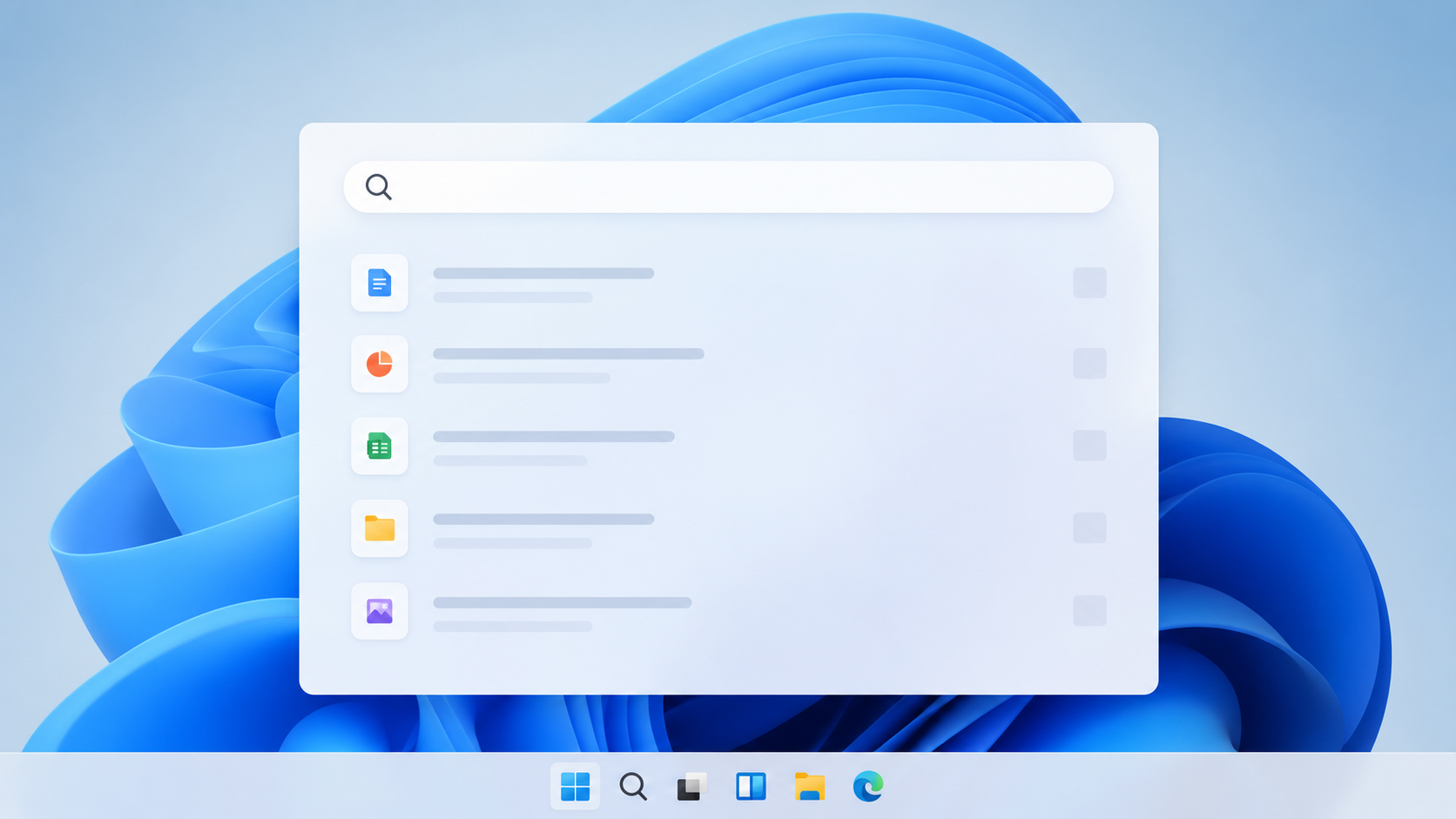
You’ve always known that sinking feeling. You type a simple query—”weather tomorrow” or “nearest coffee shop”—into your Windows search bar, and what do you get? A jumbled mess of web results, sponsored recommendations, suggested apps you’ll never use, and news articles you didn’t ask for. It’s an experience that’s become increasingly cluttered, and frankly, quite annoying. But what if I told you that a cleaner, more focused search experience is on the horizon for Windows users like you? Microsoft, it seems, is finally listening.
You might have heard whispers, or perhaps even seen some screenshots floating around the internet. Microsoft is reportedly testing a version of Windows Search that strips away all the unnecessary fluff. Imagine a search bar that, when you type, actually prioritizes what you’re looking for: your local files, your applications, and truly relevant web results, all without the distraction of ads and extraneous content. This isn’t just a rumor; it’s a quiet revolution already underway in internal builds and with chosen testers.
The Frustration of Modern Windows Search
You’ve experienced it firsthand. The current iteration of Windows Search, while powerful in theory, is often a source of frustration. It attempts to be a jack-of-all-trades, a universal portal to everything, but in doing so, it often fails to excel at its primary function: helping you find things quickly and efficiently.
- Bloated with Bing: While integration with Bing is often touted as a feature, for many users, it simply adds another layer of web results, many of which are promotional or irrelevant, before you even get to your local files.
- Ad-Infested Suggestions: You’ve undoubtedly seen the sponsored app suggestions and promotional content subtly (or not so subtly) woven into your search results. It’s a constant reminder that even a core operating system feature is being monetized in ways that can degrade the user experience.
- Irrelevant News and Info: Typing in something like “notepad” shouldn’t bring up news articles about a celebrity’s fashion choices. Yet, you’ve probably encountered similar nonsensical results that just serve to distract and slow you down.
The Promise of a Streamlined Experience
This new testing phase suggests a fundamentally different philosophy. Instead of trying to be everything to everyone, Microsoft appears to be focusing on core utility. Think about it: when you hit that Windows key and start typing, what do you usually want? An app, a document, a setting, or an answer to a specific query. You don’t usually want to be sold something or be inundated with unrelated information. This clean search aims to put your needs first, prioritizing speed, accuracy, and relevance to your immediate task.
In a recent development, Microsoft has begun testing a new version of Windows Search that aims to enhance user experience by minimizing the presence of ads and unnecessary clutter. This initiative is part of a broader effort to streamline the search functionality and provide users with more relevant results. For those interested in exploring how technology is evolving to address environmental challenges, a related article discusses innovations in industrial decarbonization, including green steel and cleaner jet fuel. You can read more about it here: Green Steel and Cleaner Jet Fuel: The Technologies Powering Industrial Decarbonization.
What Does “Clean” Actually Mean for You?
When we talk about a “clean” Windows Search, you might be wondering what exactly that entails. It’s more than just removing ads; it’s about fundamentally reshaping the hierarchy of information presented to you as you type.
Prioritizing Local Files and Applications
For many years, the strength of Windows Search was its ability to quickly locate files and launch applications installed on your computer. You’d hit the Windows key, type a few letters, and your document or program would pop up instantly. This new initiative seeks to restore that primacy.
- Instant Access to Programs: Imagine typing “Pho” and instantly getting Photoshop as your top result, without a dozen web links for “best photo editors” or “photography news.”
- Faster Document Retrieval: If you’ve got a document named “Project Proposal 2024,” typing “Proj” should immediately surface that file, not a series of web searches for “project management tools.”
- Seamless Settings Navigation: Need to adjust your display settings? Type “disp” and have “Display settings” appear as the most prominent option, saving you clicks and frustration.
The Absence of Unwanted Advertisements
This is likely the most anticipated change for you. The removal of ads isn’t just about aesthetics; it’s about trust and an uncluttered workflow. You’re using a utility, not browsing a storefront.
- No Sponsored App Suggestions: Those annoying suggestions to download “Candy Crush Saga” or other promoted apps when you’re looking for something specific? Gone.
- Ad-Free Web Search Integration: While web search will still be present for certain queries, the aim is to ensure that any integrated web results are purely informational and not paid placements.
- Focus on Utility, Not Commerce: The shift is away from using the search bar as an advertising platform and back to its original purpose: a tool to help you get things done.
Streamlined Web Results (When Necessary)
Let’s be clear: a truly “clean” search doesn’t eliminate web results entirely. There are times when you genuinely need to use the search bar to access information from the internet. The key here is relevance and discretion.
- Contextual Web Integration: If you type “capital of France,” you should get an immediate web answer. If you type “my document,” you shouldn’t. The system will be smarter about when to pull web data.
- Minimalist Presentation: When web results are needed, they should be presented cleanly, perhaps as a direct answer or a few highly relevant links, rather than an entire page of Google or Bing results within the search interface.
- Reduced “Infotainment”: You won’t be bombarded with unsolicited news, weather forecasts (unless you specifically ask for them), or trending topics that have no bearing on your current task.
The “Why Now?” Behind Microsoft’s Shift
You might be asking yourself why Microsoft is making this change now, after years of steadily increasing the bloat in Windows Search. There are several compelling reasons, both internal and external, that could be driving this refocus.
User Feedback Has Been Overwhelming
You’re not alone in your frustration. Years of user complaints across forums, social media, and even direct feedback channels have undoubtedly reached Microsoft’s ears. The sentiment has been clear: users want a functional, not a commercial, search experience.
- Loss of Trust: When a core OS feature becomes cluttered with ads, it erodes user trust and makes the overall Windows experience feel less premium and more intrusive.
- Productivity Impact: Constant distractions and irrelevant results slow down users, impacting their productivity and making basic tasks more tedious than they need to be.
- Comparison to Competitors: You’ve likely noticed how much cleaner and more focused search is on other platforms, like macOS or even various Linux distributions. This comparison doesn’t always reflect favorably on Windows.
The Rise of AI and New Search Paradigms
The landscape of search is changing rapidly, driven by advancements in Artificial Intelligence. This technological shift could be a significant motivator for Microsoft to re-evaluate its current search strategy.
- Beyond Keyword Matching: Modern AI-powered search is moving beyond simple keyword matching to understanding intent. A cluttered, ad-laden interface doesn’t align with this sophisticated future.
- Integration with Copilot: With the increasing integration of Copilot into Windows, there’s a need for a foundational search experience that complements, rather than competes with or dilutes, the AI assistant’s capabilities. Why would you use Copilot for a quick task if the basic search is a mess?
- Redefining “Search”: As AI can provide direct answers and summarize information, the role of a traditional search bar is evolving. Microsoft might be simplifying the core search to make way for richer, AI-powered interactions elsewhere.
Strategic Re-evaluation of Monetization
While ads in Windows Search were clearly a monetization strategy, it’s possible that Microsoft is re-evaluating the long-term cost-benefit of this approach. The goodwill of its user base is a valuable asset.
- The Cost of User Dissatisfaction: The revenue generated from a few ads might not be worth the widespread user dissatisfaction and negative perception it cultivates for the entire Windows ecosystem.
- Alternative Monetization Paths: Microsoft has other, arguably more effective, ways to monetize its products and services (e.g., Microsoft 365 subscriptions, Azure, gaming). It might be deciding to focus search on value, rather than direct ad revenue.
- Competitive Edge: A cleaner, more efficient Windows provides a better user experience, potentially retaining users and attracting new ones who prioritize functionality and privacy over ad-filled interfaces.
What This Means for You, the Windows User
So, if these changes become widely available, how will they impact your day-to-day interaction with Windows? You can anticipate a significant improvement in efficiency and a more pleasant computing experience.
Enhanced Productivity
This is perhaps the most immediate and tangible benefit. You’ll save time and mental energy with every search.
- Faster Task Completion: Need to open an app or find a file? It’ll be quicker, meaning less waiting and less distraction from your actual work.
- Reduced Cognitive Load: You won’t have to filter through irrelevant information, allowing you to focus on your task at hand without the psychological overhead of dodging ads and unwanted content.
- Streamlined Workflow: The search bar will become a reliable tool that seamlessly integrates into your workflow, rather than an obstacle or a source of frustration.
A More Respectful User Experience
Ultimately, this move signals a renewed respect for the Windows user experience. It’s an acknowledgment that you expect an operating system to be a tool, not a billboard.
- Regained Control: You’ll feel more in control of your search experience, as the results will more closely align with your intent, not Microsoft’s commercial objectives.
- Piecemeal Advertising: While Microsoft still displays ads in other areas (like the Start Menu or Lock Screen), narrowing them down means a reduction in overall “ad fatigue.”
- Focus on the Core Product: This change reinforces the idea that the core Windows operating system should be robust, clean, and functional, providing a solid foundation for your computing needs.
Potential for Future Innovation in Search
Undertaking this “clean up” could also pave the way for more meaningful and innovative search features down the line, once the basic experience is perfected.
- Smarter Contextual Search: With a clearer foundation, Microsoft could implement truly intelligent contextual search that understands your current application or task.
- Deeper AI Integration (the right way): Instead of just dumping AI answers, a clean interface could allow for more thoughtful and useful integration of AI capabilities, like summarizing documents you find, or offering intelligent follow-up actions.
- Personalization with Privacy: Imagine truly personalized search results that learn your habits without resorting to invasive tracking or ad targeting within the search bar itself. This clean slate makes such innovations more palatable.
Microsoft is currently testing a revamped version of Windows Search that aims to enhance user experience by minimizing the presence of ads and unnecessary clutter. This initiative reflects the company’s commitment to providing a more streamlined and efficient search functionality for its users. For those interested in exploring related topics, you can read about the integration of authentication and authorization in modern applications in this insightful article here. This approach not only improves security but also enhances the overall user experience, much like the changes being implemented in Windows Search.
The Road Ahead: Cautions and Hopes
| Feature | Details |
|---|---|
| Search Experience | Improved search experience without ads and unnecessary content |
| Performance | Faster search results and more accurate information |
| User Feedback | Positive response from users who prefer a cleaner search interface |
While the prospect of a clean Windows Search is exciting, you should also temper your optimism with a dose of realism. This is a testing phase, and the journey from internal build to public release can be long, with potential detours.
The Nature of A/B Testing
Remember that Microsoft often runs A/B tests, where different users see different versions of features. Just because some testers are seeing a clean search now doesn’t guarantee it will be the final version for everyone, or even that it will be implemented universally.
- Feedback is Crucial: Your feedback, if you’re part of such a test, or even general user sentiment, will play a significant role in determining the ultimate fate of this cleaner search.
- Iterative Development: Features often evolve substantially during testing. What you see today might be refined or altered before a widespread rollout.
The Challenge of Monetization vs. User Experience
You know that Microsoft is a business, and profitability is always a consideration. The removal of ads, while beneficial for users, does impact a revenue stream.
- Finding Balance: Microsoft will need to carefully balance user satisfaction with its commercial interests. This is a tightrope walk that could lead to compromises.
- Potential for Reintroduction: While we hope this clean version sticks, there’s always a slight risk that, if alternative monetization strategies don’t pan out, some form of advertising could creep back in. Continuous vigilance, even from users, is sometimes required.
The Speed of Rollout
Predicting when these changes might reach your computer is difficult. Major Windows updates often roll out in stages, and new features can take months, or even longer, to become standard.
- Insider Program First: Expect to see these changes first in the Windows Insider Program, allowing early adopters to test and provide feedback.
- Gradual Implementation: Even after Insider testing, broad public availability will likely be gradual, ensuring stability and gathering more real-world usage data.
In conclusion, you should keep your hopes high but remain pragmatic. The signs are incredibly positive that Microsoft is genuinely listening to its users and moving towards a more focused, respectful, and productive Windows Search experience. When your operating system’s fundamental tools work smoothly and efficiently, your entire computing experience becomes better. And that, for you, is ultimately the goal.
FAQs
What is Microsoft testing with Windows Search?
Microsoft is testing a version of Windows Search that removes ads and non-essential information, focusing on providing users with a cleaner and more streamlined search experience.
Why is Microsoft testing this version of Windows Search?
The goal of the test is to gather feedback from users on whether they prefer a search experience without ads and unnecessary information, and to determine if this version improves user satisfaction and productivity.
How will this version of Windows Search differ from the current version?
The test version of Windows Search will remove ads and non-essential information, providing users with a more focused and clutter-free search experience.
When will this version of Windows Search be available to users?
The test version of Windows Search is currently being evaluated by a select group of users, and there is no official timeline for when it will be available to the general public.
Will this version of Windows Search be available for all Windows users?
It is unclear whether the version of Windows Search without ads and fluff will be made available to all Windows users, as it is currently in the testing phase and the feedback from users will determine its future availability.
