


You juggle them daily, a digital cast of thousands: your banking login, your social media profiles, your email accounts, your online shopping cart. Each one secured by a unique string of characters, a digital key to your vast online life. But let’s be honest, are you really keeping track of them all? Are you using that same tired password across multiple sites, or worse, something easily guessable like “password123”? If you feel a twinge of unease, you’re not alone. The good news is, there’s a powerful ally waiting to shoulder this burden for you, and it’s called a password manager. It’s time to usher in an era of safer logins, and understanding what a password manager is and how it revolutionizes your online security is the first crucial step.
Understanding the Digital Fortress: Your Online Accounts
Imagine your online presence as a sprawling mansion. Each account is a room within that mansion, protecting a different aspect of your digital life. Your email is the entryway, your banking is the vault, your social media is the living room where you entertain, and your online shopping is a personal boutique. For each of these rooms, you have a lock, and the key to that lock is your password. In the real world, you wouldn’t use the same flimsy key for every door, nor would you jot down your key’s intricate design on a sticky note stuck to your front door. Yet, in the digital realm, this is precisely what many of us do.
The Growing Complexity of Your Digital Life
Think about the sheer number of online accounts you have. Beyond the obvious giants, there are forums you’ve joined, subscription services you’ve signed up for, cloud storage you utilize, and even that obscure gaming platform you used once. Each one represents a potential entry point for cybercriminals. The more services you engage with, the more keys you need to manage, and the more complex the challenge becomes.
The Illusion of Security: Weak and Reused Passwords
You might think you have a strong password. Perhaps it’s a mix of letters and numbers, or even a phrase. But how original is it? How many other people might have stumbled upon the same idea? Cybercriminals employ sophisticated tools that can guess common passwords in seconds. Even slightly more complex passwords can be cracked over time. Worse still is the rampant practice of reusing passwords. If one of your accounts is compromised, and you’ve used the same password elsewhere, you’ve effectively handed over the keys to your entire digital mansion. This is where the true danger lies, and it’s a danger password managers are designed to eliminate.
For those interested in enhancing their online security, the article “What Is a Password Manager? Time to Log in Safer” provides valuable insights into the importance of using password managers. To further explore related topics in digital marketing and online safety, you might find this article on digital marketing strategies helpful: Digital Marketing Insights.
Introducing Your Digital Butler: What Exactly is a Password Manager?
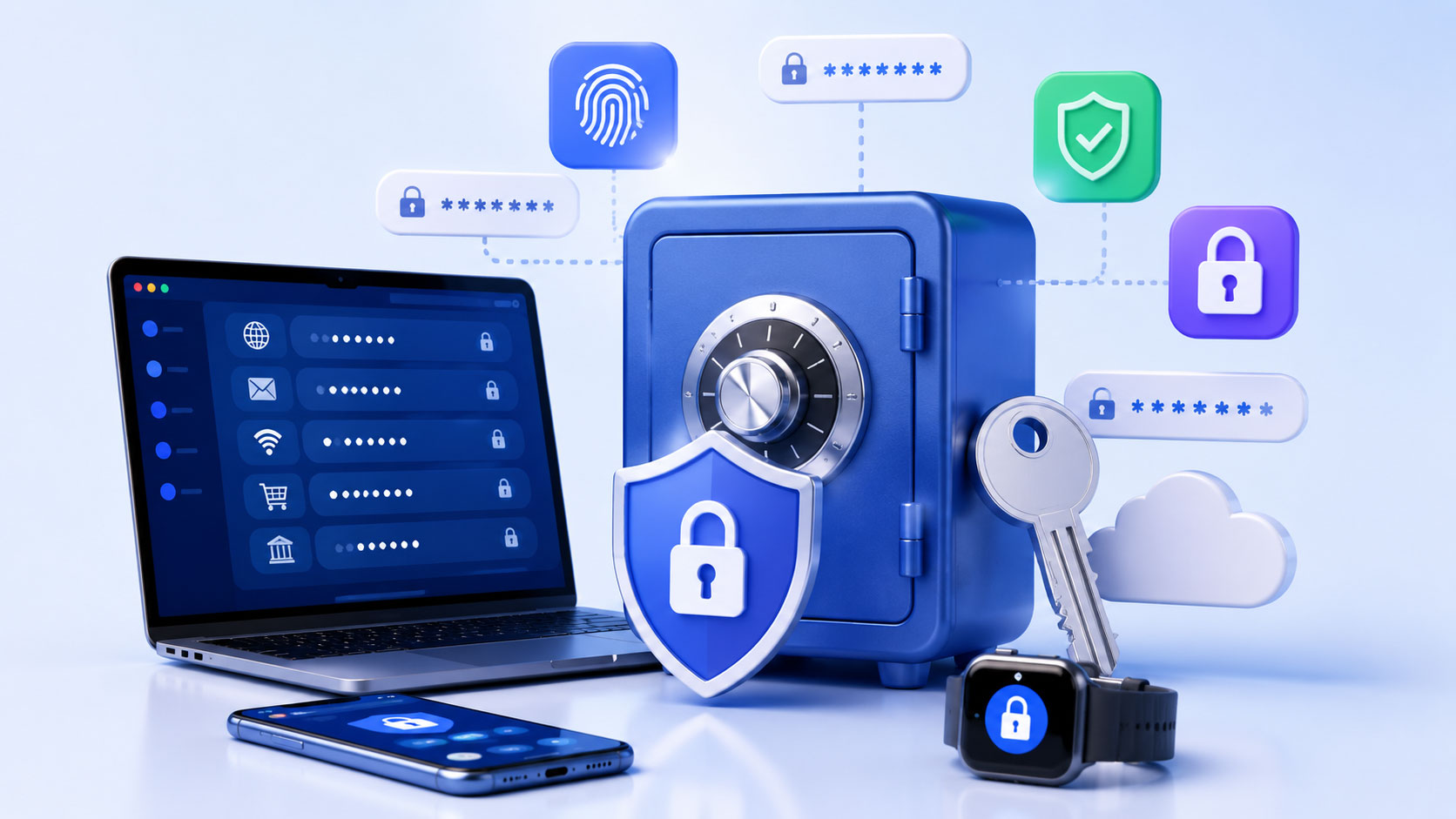
At its core, a password manager is a secure, encrypted digital vault that stores all your login credentials – your usernames and passwords – for various websites and applications. Think of it as a highly sophisticated, super-secure digital address book where instead of names and phone numbers, you store your online identities and their corresponding access keys. Instead of frantically trying to remember or risking writing down fragile passwords, you only need to remember one strong, master password to unlock your entire vault.
The Vault Analogy: A Secure Haven for Your Keys
To truly grasp the concept, lean into the vault analogy. Your password manager is the impenetrable vault. Within this vault, each individual login is like a carefully cataloged item. You don’t physically see or handle each individual key; you simply instruct your vault to retrieve the correct key when you need to open a specific door (log in to a website). The vault itself is protected by a single, formidable lock – your master password. This master password is the only thing you need to remember, and it’s the last line of defense for your entire digital arsenal.
Beyond Storage: The Smart Features of a Password Manager
But a password manager is far more than just a digital locker. Modern password managers are intelligent assistants that actively enhance your security. They can generate incredibly strong, unique passwords for you, memorize your existing ones, and even auto-fill your login details on websites and apps, saving you time and the mental effort of typing them all in. It’s like having a personal security concierge who handles all the fiddly bits of your digital interactions.
The Power of a Single Master Password: Simplifying Security
The most immediate and profound benefit of using a password manager is the liberation from having to remember dozens, if not hundreds, of unique passwords. You replace this mental burden with the need to recall just one strong, memorable master password. This dramatically simplifies your life while simultaneously boosting your security.
The “One Ring to Rule Them All” of Your Digital Life
This single master password becomes the ultimate gatekeeper. It’s the key that unlocks your entire digital world. Because you only have to remember one, you can afford to make it exceptionally strong. This is where the magic truly begins. Many password managers allow you to create passwords that are essentially random strings of characters, including uppercase and lowercase letters, numbers, and symbols, making them virtually impossible for even the most powerful computers to crack.
The Peace of Mind Factor: Reduced Stress and Cognitive Load
Beyond the tangible security benefits, there’s an undeniable psychological advantage. The constant worry about forgetting passwords, the frustration of constantly resetting them, the underlying anxiety about potential breaches – all of this adds to your daily stress. With a password manager, you offload that cognitive load. You gain peace of mind knowing that your digital identity is protected by robust security measures that you no longer have to actively manage for every single account.
Generating Unbreakable Passwords: The Algorithm’s Advantage
One of the most significant features of a password manager is its ability to generate complex, random passwords that are virtually impossible to guess or brute-force. This is an advantage that human memory simply cannot compete with.
The Limits of Human Creativity
Let’s face it, our brains aren’t designed for generating truly random, complex strings of characters. We tend to rely on patterns, familiar phrases, or even our personal information. This makes our self-generated passwords inherently weaker. You might think you’re being clever by using a variation of your pet’s name and your birth year, but for a determined attacker, that’s a shortcut to your account.
The Strength of Randomness: Algorithms at Work
Password managers leverage algorithms to create passwords that are truly random. They can combine a vast array of characters in seemingly unpredictable ways, ensuring that each password is unique and highly resistant to cracking. These generated passwords are often long, filled with a mix of uppercase and lowercase letters, numbers, and special symbols, creating a cryptographic shield that is incredibly difficult to penetrate.
Customization for Your Convenience
While the defaults are excellent, most password managers also allow you to customize the length and character types of the passwords they generate. This means you can strike a balance between maximum security and a password that you might find slightly easier to work with if you have certain site restrictions or personal preferences. However, when in doubt, always opt for the longest and most random settings.
If you’re interested in enhancing your online security, you might also want to explore the concept of cloud-native applications and their role in modern web development. A related article discusses how these technologies can improve user experiences and security measures, making it essential reading for anyone looking to stay ahead in the digital landscape. You can find more information in this insightful piece on cloud-native and edge web development.
Seamless Login and Auto-Filling: Convenience Meets Security
Beyond the security of strong passwords, password managers offer a remarkable level of convenience by automating the login process. This means you can access your accounts faster and more efficiently, without sacrificing your security.
Saying Goodbye to Manual Typing
How much time do you spend each day typing in your username and password? Even with shorter passwords, it adds up. Then there’s the frustration of mistyping, the CAPTCHAs, the endless cycle. A password manager eliminates this entirely. Once you’ve saved a login, the manager can automatically fill in your credentials on websites and apps with just a click or a tap.
The Browser Extension and Mobile App Advantage
Most password managers offer browser extensions that integrate seamlessly with your web browsing experience. When you visit a login page, the extension will recognize the site and offer to auto-fill your details. Similarly, their mobile apps do the same for applications on your smartphone or tablet, making logging into your favorite apps as simple as can be.
Securely Stored, Instantly Accessible
The beauty of this auto-filling feature is that it works with the strong, unique passwords stored securely in your vault. You’re not handing over easy access to weak passwords; you’re simply streamlining the process of using the highly secure ones that the password manager helps you create and manage.
The Future of Online Security: Why You Need a Password Manager Now
The digital landscape is constantly evolving, and with it, the sophistication of cyber threats. Relying on outdated or insecure password practices is no longer an option if you want to protect yourself. A password manager isn’t just a technological novelty; it’s an essential tool for modern online life.
Staying Ahead of the Evolving Threat Landscape
Cybercriminals are getting smarter and their tools are becoming more powerful. They are constantly developing new ways to breach online security. This means that the passive approach of simply remembering your own passwords is no longer sufficient. You need an active defense, and that’s precisely what a password manager provides. It’s about staying ahead of the curve and putting up a formidable barrier against potential attackers.
Empowering Your Digital Independence
By using a password manager, you’re effectively reclaiming control of your digital identity. You’re no longer at the mercy of weak passwords or the risk of cascading breaches. You are empowered because you have a robust system in place that prioritizes your security without making your online life a chore.
The Investment in Your Digital Well-being
Think of a password manager as an investment in your digital well-being. You invest in good health with exercise and a balanced diet; you should invest in your online security with the right tools. The time and effort you spend setting up a password manager will pay dividends in terms of peace of mind, saved time, and, most importantly, the protection of your sensitive information. Don’t wait until you’ve become a victim to recognize the importance of secure password management. Take the step today, and log in safer, smarter, and more securely than ever before.
FAQs
What is a password manager?
A password manager is a software application that helps users store and organize their passwords for various online accounts in a secure manner. It typically requires a master password to access the stored passwords.
How does a password manager work?
A password manager works by securely storing and encrypting the user’s passwords in a digital vault. Users can access their stored passwords by entering a master password, which is the only password they need to remember.
What are the benefits of using a password manager?
Using a password manager can help users create strong, unique passwords for each of their online accounts, reduce the risk of password theft, and save time by automatically filling in login credentials.
Are password managers safe to use?
When used properly, password managers are considered safe and secure. They use strong encryption methods to protect stored passwords and are often designed with additional security features such as two-factor authentication.
What are some popular password manager options?
Some popular password manager options include LastPass, Dashlane, 1Password, and Bitwarden. These tools offer a range of features and pricing options to suit different user needs.
