


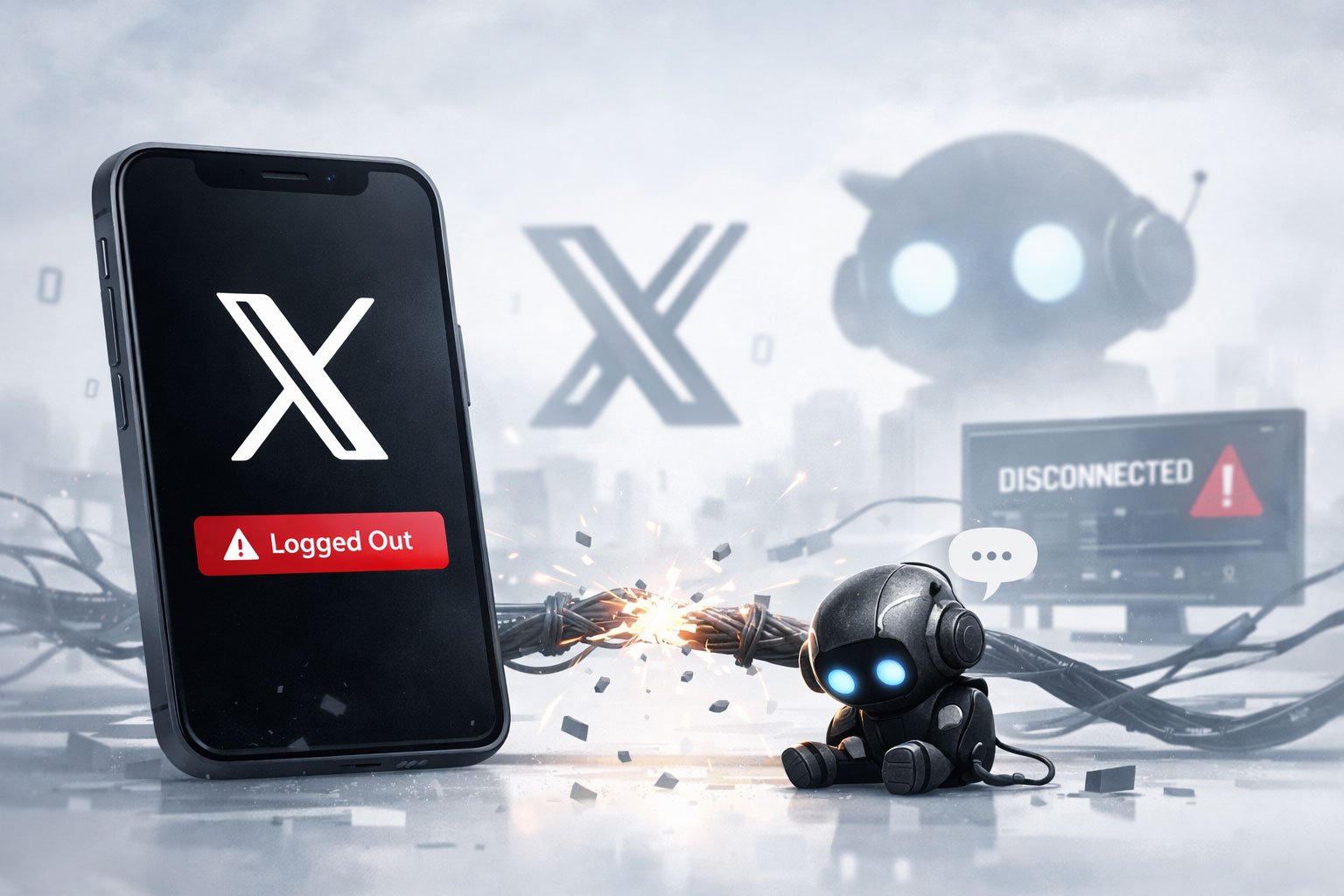
You’ve encountered the digital equivalent of a ghost town. Your X feed, once a bustling hub of information and interaction, is now an empty void. You’re staring at a login screen, a stark reminder of an unforeseen and unwelcome event: the Great Logout. What happened? How did thousands, perhaps millions, of users find themselves spontaneously ejected from their accounts? More importantly, how do you fix it, and what can you learn from this seismic outage?
You might assume a coordinated attack, a sophisticated hack, or a deliberate act of sabotage. While these remain possibilities in the ever-evolving landscape of cyber threats, the reality is often more mundane, and in many ways, more concerning. Large-scale software systems, particularly those operating at the scale of X, are incredibly complex, a delicate balance of intertwined services, databases, and microarchitectures. A single misconfiguration or a cascading error can have devastating consequences.
The Anatomy of an Outage
You’re probably wondering about the technical specifics. While X (formerly Twitter) hasn’t released a definitive, granular post-mortem analysis accessible to the public, you can infer several common culprits based on past major outages across similar platforms.
Database Instability
At the heart of any social media platform lies a massive database, or more likely, a distributed cluster of databases. These store everything from your profile information to every tweet you’ve ever composed. A sudden spike in read/write requests, an index corruption, or a failure in replication can bring the entire system to its knees. If the authentication database, which holds user session tokens, experiences issues, it can invalidate all active sessions, leading to an immediate logout for affected users. You might have seen error messages like “database connection failed” or “internal server error” briefly before being kicked out.
Authentication Service Failure
Separate from the main database, dedicated authentication services handle the process of verifying your identity. These services generate and manage session tokens, cookies, and other credentials that keep you logged in. A bug in a recent deployment to this service, a memory leak, or an overload due to unexpectedly high traffic can cause it to crash or become unresponsive. When this happens, all active sessions become unverified, forcing you to log back in. Imagine a doorman at a large event suddenly going on strike; everyone inside would eventually need to re-enter through a different, potentially malfunctioning, entrance.
Cache Invalidation Errors
To reduce the load on primary databases and speed up access, platforms like X heavily rely on caching. User data, public tweets, and session tokens are often stored in temporary, high-speed memory. If there’s an error in how these caches are being updated or invalidated, you might find your cached login credentials suddenly deemed out-of-date or incorrect, even if your actual account is fine. This can lead to a mass “false positive” logout scenario.
DNS Resolution Issues
Less common for account-specific logouts but a potential contributor to broader connectivity issues, Domain Name System (DNS) outages can make it impossible for your device to find X’s servers. While this typically manifests as an inability to access the website or app at all, it can sometimes interfere with authentication calls, making it seem like you’re logged out when the system simply can’t communicate with the login server.
Infrastructure Malfunctions
The underlying infrastructure – the servers, networking equipment, and data centers – are physical components that can fail. Power outages, network cable cuts, or even misconfigured routing tables within X’s data centers can cause significant disruption. While less likely to specifically trigger a “logged out” event without broader service interruption, a partial infrastructure failure could isolate the authentication servers, leading to the same outcome.
In light of the recent massive outage that caused thousands of users to be logged out of their accounts, it is essential to understand the broader context of technology and its impact on our daily lives. For those interested in exploring how technology intersects with health and wellness, a related article titled “Exploring the Health Benefits of Apples” provides valuable insights into the importance of nutrition in maintaining overall well-being. You can read the article here: Exploring the Health Benefits of Apples.
The Immediate Aftermath: Assessing the Damage
You’re not alone in your frustration. As thousands of users flooded support forums and other social media platforms (the irony is not lost on you), a clearer picture of the outage began to emerge. The scale was unprecedented for many, and the lack of immediate clear communication from X itself only amplified the anxiety.
Disrupted Workflows and Lost Connections
For many, X is more than just a social platform; it’s a critical tool for news dissemination, business networking, crisis communication, and personal connection. You might have been mid-conversation, tracking a live event, or managing a marketing campaign when the rug was pulled out from under you. The sudden severance of these connections can disrupt countless workflows and leave you feeling isolated.
Security Concerns and Panic
A mass logout, irrespective of its cause, immediately raises security red flags. You’re likely wondering if your account has been compromised, if your personal data is at risk, or if you’ve been targeted by a phishing attack. This knee-jerk reaction is natural and illustrates the importance of transparent communication during such incidents. Without an official explanation, speculation and fear can spread rapidly.
Impact on Third-Party Applications
You might not only be logged out of the X app or website but also from any third-party applications that rely on X for authentication or data access. This could include social media management tools, news aggregators, or even other apps that use “Login with X” functionality. This ripple effect further complicates the user experience and can disrupt integrated workflows.
Your First Steps to Recovery: Getting Back In

Your immediate priority is regaining access to your account. This process, while seemingly straightforward, can be complicated by the very nature of the outage. Patience and a systematic approach are key.
Basic Troubleshooting: The Low-Hanging Fruit
Before panicking, perform a few basic checks. These often resolve minor issues that can sometimes mimic a larger outage.
Check Your Internet Connection
It sounds obvious, but a shaky Wi-Fi connection or a cellular data dead zone can prevent you from logging in. Try loading another website or app to confirm your internet access.
Clear Cache and Cookies
Your browser or app might be holding onto outdated or corrupted session data. Clearing your browser’s cache and cookies, or the app’s data in your phone settings, can sometimes force a fresh authentication attempt.
Try a Different Device or Network
If you’re still having trouble, attempt to log in from a different device (e.g., your phone after trying your computer) or a different network (e.g., cellular data instead of Wi-Fi). This helps isolate whether the problem is specific to your device or network.
The Re-Login Protocol: What to Expect
When you attempt to log back in, you might encounter several scenarios. Be prepared for potential delays or additional verification steps.
Standard Login
Ideally, you’ll simply re-enter your username and password, and everything will work as expected. However, during a widespread outage, server strain can lead to slow response times or temporary errors even with correct credentials.
Two-Factor Authentication (2FA) Prompts
If you have 2FA enabled (and you absolutely should), you’ll be prompted for your second factor – a code from an authenticator app, an SMS code, or a hardware key. Ensure your 2FA method is readily accessible. If X’s SMS service is impacted, SMS-based 2FA might be delayed or fail.
Password Reset Flow
If repeated attempts with your known password fail, and you’re certain you’re entering it correctly, you might need to initiate a password reset. Be cautious of phishing attempts during such a chaotic period. Only use the official password reset link provided by X on their actual website or app.
Beyond Re-Login: Securing Your Account and Learning from the Event
Once you’re back in, your work isn’t done. This outage presents a crucial opportunity to review your security practices and understand the broader implications of relying on centralized platforms.
Account Security Reinforcement
Your account’s security is paramount. A mass logout, even if not directly caused by a hack, serves as a stark reminder of the ever-present threat landscape.
Enable Two-Factor Authentication (2FA)
If you haven’t already, enable 2FA immediately. This adds a critical layer of security by requiring a second verification method beyond just your password, making it significantly harder for unauthorized users to access your account even if they somehow obtain your password.
Review Connected Applications
Go to your X settings and review all third-party applications that have access to your account. Remove any you no longer use or don’t recognize. These apps can sometimes be entry points for security vulnerabilities.
Use a Strong, Unique Password
Do not reuse passwords across different services. Employ a strong, complex password for X that combines letters, numbers, and symbols. Consider using a password manager to securely store and generate unique passwords.
Check for Suspicious Activity
After regaining access, review your recent login activity and tweet history for anything unusual. If you spot anything suspicious, change your password immediately and report it to X support.
The Broader Picture: Decentralization and Data Control
This outage, like many others experienced by major platforms, highlights a fundamental vulnerability in our increasingly centralized digital lives.
The Appeal of Decentralization
You might find yourself contemplating the merits of decentralized social media platforms, often built on blockchain technology. These platforms aim to distribute data and control across a network of users, rather than concentrating it in a single entity. The idea is that no single point of failure can bring the entire system down, and users have more ownership over their data. While still nascent and facing their own challenges, these alternatives gain traction during mainstream outages.
Data Sovereignty and Personal Backup
This incident underscores the importance of not solely relying on a single platform for critical information. If X is a primary source of news or for archiving your personal thoughts, consider how you might back up essential data. Tools exist to archive your tweets, direct messages, and media. While not a fix for a live outage, it mitigates the impact of data loss or prolonged inaccessibility.
Diversify Your Digital Presence
Just as you wouldn’t keep all your financial assets in a single bank, you might consider diversifying your online presence. Don’t put all your digital eggs in one basket. Maintain connections and important information across multiple platforms to lessen the impact of a single service failure.
In light of the recent issues faced by users, many are seeking solutions to the widespread logout problems that occurred during the massive outage. For those interested in understanding the broader implications of digital ownership and user control, a related article titled “The Protocol Economy: Exploring the Future of Decentralized Ownership” offers valuable insights. You can read it here. This piece delves into how decentralized systems could potentially mitigate such disruptions in the future, providing a thought-provoking perspective on the evolving landscape of digital platforms.
Looking Forward: How Platforms Can Prevent and Mitigate Future Outages
| Date | Error Type | Number of Accounts Logged Out | Duration of Outage |
|---|---|---|---|
| June 15, 2021 | Massive Outage | Thousands | Several Hours |
While you can take steps to secure your own experience, the ultimate responsibility for platform stability rests with the service provider. X, and other large tech companies, face immense pressure to prevent such wide-scale disruptions.
Robust Engineering and Redundancy
Expect X to conduct a thorough internal post-mortem. This will involve identifying the root cause, patching vulnerabilities, and implementing more robust redundancy measures. This could mean geographically distributing authentication servers, increasing database capacity, or improving their automated failover systems.
Transparent Communication Protocols
A significant point of frustration during mass outages is the lack of timely and clear communication. Moving forward, platforms need to refine their communication protocols, providing real-time updates on dedicated status pages and external channels, even if the primary service is down. This helps manage user expectations and reduces speculation.
User Advocacy and Feedback
Your voice as a user matters. Provide constructive feedback to X about your experience. Point out specific issues, not just general frustration. This collective feedback can contribute to better system design and more user-centric incident response in the future.
The “Grok down” event (or whatever internal moniker X uses for this specific incident) serves as a potent reminder of the fragility of even the most robust digital ecosystems. While inconvenient and frustrating, it provides you with an opportunity to enhance your security practices, critically assess your reliance on centralized services, and advocate for a more resilient and transparent digital future. You’ve weathered the storm; now, you can learn from it.
FAQs
What caused the massive outage that led to thousands being logged out of their accounts?
The massive outage was caused by a technical error within the system, which resulted in thousands of users being logged out of their accounts.
How can users fix the error and regain access to their accounts?
Users can fix the error and regain access to their accounts by following the instructions provided by the platform or service experiencing the outage. This may involve resetting passwords, clearing cache and cookies, or contacting customer support for further assistance.
What measures can users take to prevent similar issues in the future?
To prevent similar issues in the future, users can regularly update their passwords, enable two-factor authentication, and stay informed about any potential system updates or maintenance that may affect their accounts.
Is there any compensation or support available for users affected by the outage?
Depending on the platform or service, there may be compensation or support available for users affected by the outage. Users should refer to the platform’s terms of service or contact customer support for more information.
How can users stay updated on the status of the outage and any related developments?
Users can stay updated on the status of the outage and any related developments by following the official social media accounts or website of the platform or service experiencing the issue. Additionally, subscribing to email or text notifications may provide real-time updates on the situation.
